Additional Information
masterpage:Right
specdef v20060111
filename[G:\FM\Sony\0508\3212589121\3212589121DAVIS10\gb13add.fm]
model name [DAV-IS10]
[3-212-589-12(1)]
115
US
Ti
• The Control Menu icon indicator lights up in green when you select any item except [OFF]
([PROGRAM], [SHUFFLE], and [REPEAT] only). The [ORIGINAL/PLAY LIST] indicator lights up in green
when you select [PLAY LIST] (default setting).
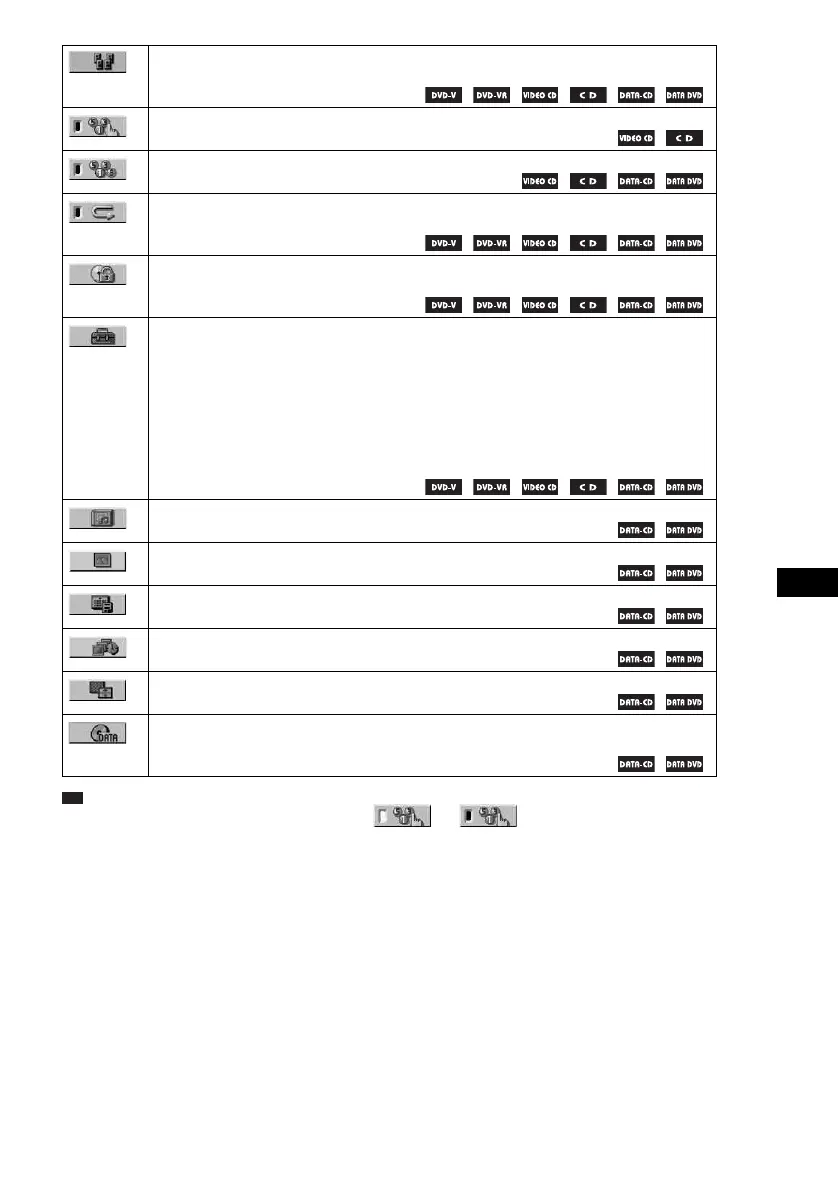
[AUTO CALIBRATION] (page 83)
Adjust the level of each speaker automatically.
[PROGRAM] (page 52)
Selects the track to play in the order you want.
[SHUFFLE] (page 54)
Plays the track in random order.
[REPEAT] (page 55)
Plays the entire disc (all titles/all tracks/all albums) repeatedly or one title/chapter/track/album
repeatedly.
[PARENTAL CONTROL] (page 80)
Sets to prohibit playback on this system.
[SETUP] (page 86)
[QUICK] Setup (page 19)
Use Quick Setup to choose the desired language of the on-screen display, the aspect ratio of
the TV, choose [YES] or [NO] to start the [AUTO CALIBRATION].
[CUSTOM] Setup
In addition to the Quick Setup setting, you can adjust various other settings.
[RESET]
Returns the settings in [SETUP] to the default setting.
[ALBUM] (page 49)
Selects the album to be played.
[FILE] (page 49)
Selects the JPEG image file to be played.
[DATE] (page 61)
Displays the date the picture was taken by a digital camera.
[INTERVAL] (page 68)
Specifies the duration for which the slides are displayed on the TV screen.
[EFFECT] (page 68)
Selects the effects to be used for changing slides during a slide show.
[MODE (MP3, JPEG)] (page 67)
Selects the data type; MP3 audio track (AUDIO), JPEG image file (IMAGE) or both (AUTO)
to be played when playing a DATA CD/DATA DVD.
t










 To Next Page