masterpage:Left
specdef v20060111
filename[G:\FM\Sony\0508\3212589121\3212589121DAVIS10\gb12adv.fm]
model name [DAV-IS10]
[3-212-589-12(1)]
94
US
x [LEVEL (SURROUND)]
You can vary the level of surround speakers as
follows. Be sure to set [TEST TONE] to [ON]
for easy adjustment.
To adjust the volume of all the
speakers at one time
Press VOLUME +/– on the remote or touch
VOLUME +/– (soft-touch button) on the control
unit.
x [TEST TONE]
The speakers will emit a test tone to adjust
[LEVEL (FRONT)] and [LEVEL
(SURROUND)].
Adjusting the speaker level by
using the test tone
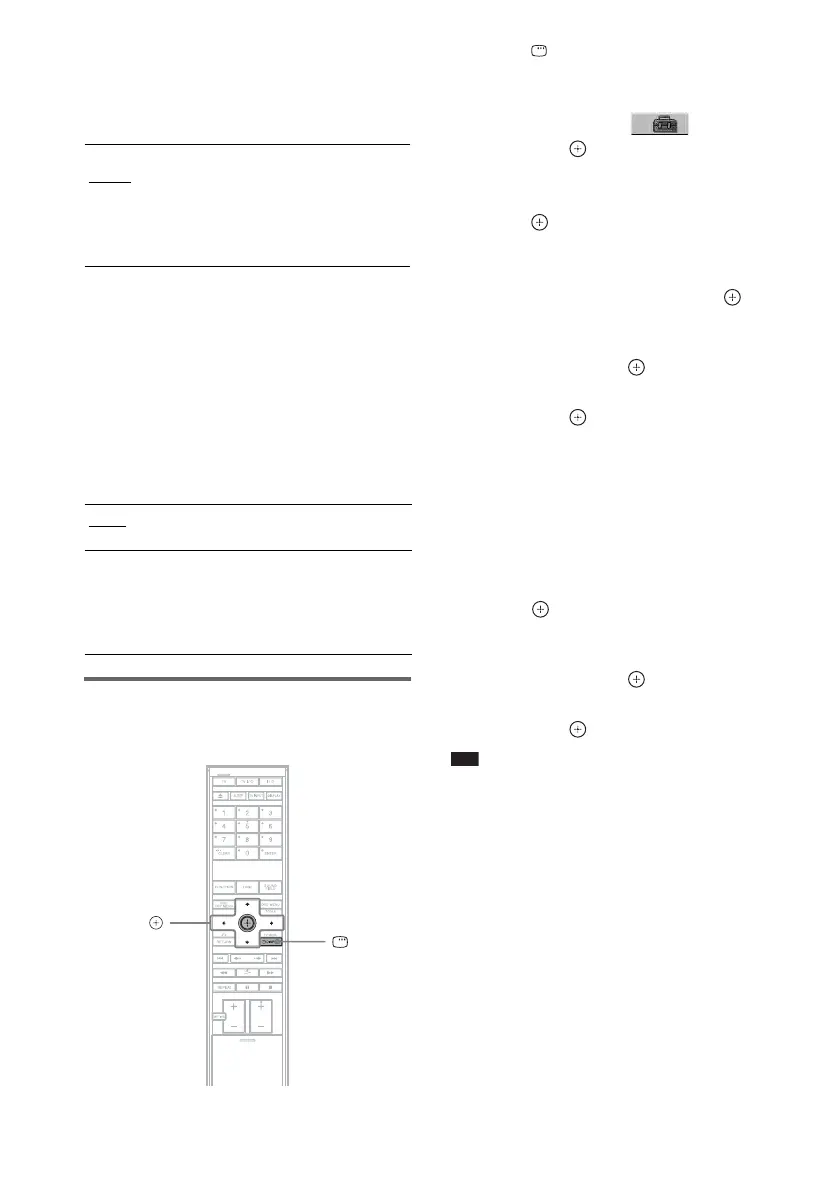
1 Press DISPLAY when the system is
in stop mode.
The Control Menu display appears.
2 Press X/x to select [SETUP],
then press .
The options for [SETUP] appear.
3 Press X/x to select [CUSTOM], then
press .
The Setup Display appears.
4 Press X/x repeatedly to select
[SPEAKER SETUP], then press or
c.
5 Press X/x repeatedly to select [TEST
TONE], then press or c.
6 Press X/x repeatedly to select [ON],
then press .
You will hear the test tone from each
speaker in sequence.
7 From your listening position, adjust the
value of [LEVEL (FRONT)] or [LEVEL
(SURROUND)] using C/X/x/c.
The test tone is emitted from only the
speaker which you are adjusting.
8 Press when you have finished
making adjustments.
9 Press X/x repeatedly to select [TEST
TONE], then press .
10 Press X/x repeatedly to select [OFF],
then press .
Note
• The test tone signals are not output from the HDMI
OUT jack.
[L/R]
0.0 dB
(appears when you set
[SURROUND] to
[YES] in the
[CONNECTION]
setting.)
Set this between -6.0 dB and
+6.0 dB.
[OFF]
The test tone is not emitted from the
speakers.
[ON]
The test tone is emitted from each speaker
in sequence while adjusting level. When
you select one of the [SPEAKER SETUP]
items, the test tone is emitted from each
speaker in sequence.
C/X/x/c,
DISPLAY










 To Next Page