masterpage:Left
specdef v20060111
filename[G:\FM\Sony\0508\3212589121\3212589121DAVIS10\gb09pla.fm]
model name [DAV-IS10]
[3-212-589-12(1)]
50
US
3 Input the time code using the number
buttons, then press .
For example, to find the scene at 2 hours, 10
minutes, and 20 seconds after the beginning,
just enter “21020.”
Ti
• When the Control Menu display is turned off, you can
search for a chapter (DVD VIDEO/DVD-R/DVD-
RW) or track (VIDEO CD/CD) by pressing the
number buttons and .
Note
• You cannot search for a scene on a DVD+RW using
the time code.
You can divide the screen into 9 subscreens and
find the desired scene quickly.
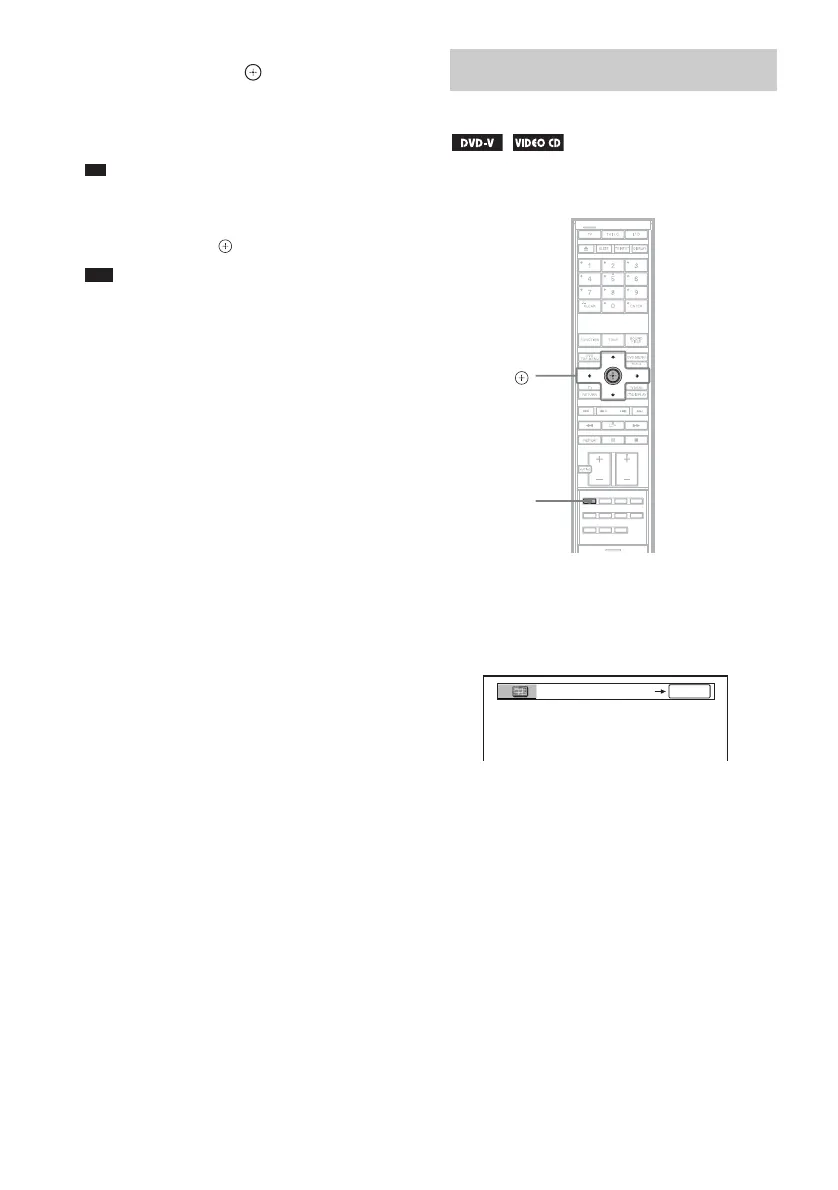
1 Press PICTURE NAVI during playback.
The following display appears on the TV
screen.
2 Press PICTURE NAVI repeatedly to
select an item.
• [TITLE VIEWER] (DVD VIDEO only)
• [CHAPTER VIEWER] (DVD VIDEO
only)
• [TRACK VIEWER] (VIDEO CD/
Super VCD only)
Searching by Scene
(Picture Navigation)
PICTURE
NAVI
C/X/x/c,
With the cover opened.
CHAPTER VIEWER
ENTER










 To Next Page