Various Functions for Playing Discs
masterpage:Right
specdef v20060111
filename[G:\FM\Sony\0508\3212589121\3212589121DAVIS10\gb09pla.fm]
model name [DAV-IS10]
[3-212-589-12(1)]
59
US
3 Press X/x to select a setting.
The default setting is underlined.
• [PLAY LIST]
: plays the titles created
from [ORIGINAL] for editing.
• [ORIGINAL]: plays the titles originally
recorded.
4 Press .
Viewing the playing time and
remaining time in the front
panel display
You can check disc information, such as the
remaining time, total number of titles in a DVD,
tracks in a VIDEO CD, CD, or MP3 using the
front panel display (page 110).
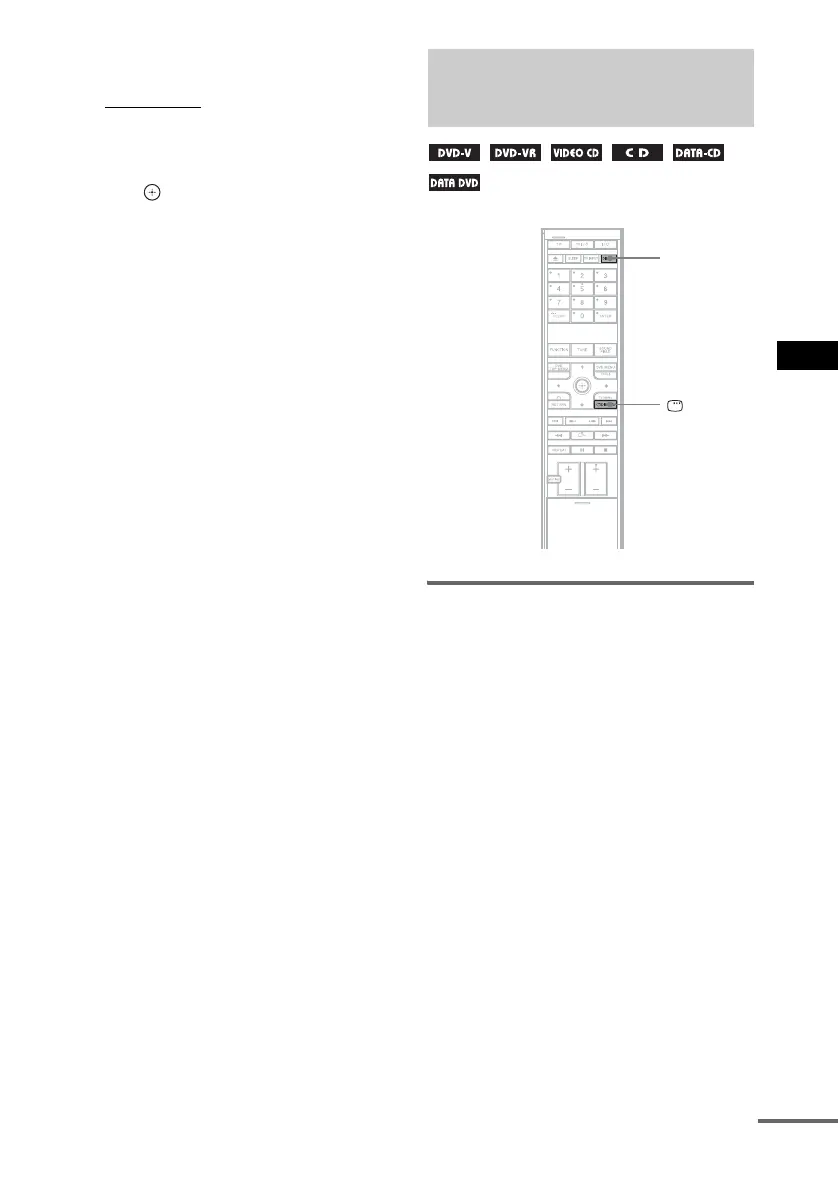
Press DISPLAY.
Each time you press DISPLAY while playing
the disc, the front panel display changes
1 t 2 t 3 t ... t 1 t ...
Some displayed items may disappear after a few
seconds.
When playing a DVD VIDEO or
DVD-R/DVD-RW
1 Playing time and number of the current title
2 Remaining time and number of the current
title
3 Playing time and number of the current
chapter
4 Remaining time and number of the current
chapter
Viewing Information About
the Disc
DISPLAY
DISPLAY
cont
nue










 To Next Page