masterpage:Left
specdef v20060111
filename[G:\FM\Sony\0508\3212589121\3212589121DAVIS10\gb11oth.fm]
model name [DAV-IS10]
[3-212-589-12(1)]
78
US
Ti
• Even if “SIMPLE” mode is set, only N on the top of
the control unit lights up during playback.
Note
• When the soft-touch buttons turn off in “SIMPLE”
mode, first touch the soft-touch button area so that the
soft-touch buttons light up, then operate the system
with them.
The DIGITAL MEDIA PORT (DMPORT)
adapter is for enjoying sound from a portable
audio source or computer. By connecting a
DIGITAL MEDIA PORT adapter, you can
enjoy sound from the connected component on
the system.
Available DIGITAL MEDIA PORT adapters
vary in each area.
For details on connecting the DIGITAL MEDIA
PORT adapter, see “Connecting Other
Components” (page 25).
Note
• Do not connect an adaptor other than the DIGITAL
MEDIA PORT adapter.
• Do not connect or disconnect the DIGITAL MEDIA
PORT adapter to/from the control unit while the
system is turned on.
• Depending on the type of DIGITAL MEDIA PORT
adapter (not supplied), images may also be output. In
this case, the system outputs only a composite video
signal (see page 22, connection method A)
regardless of the type of video signal.
Playing the connected
component on the system
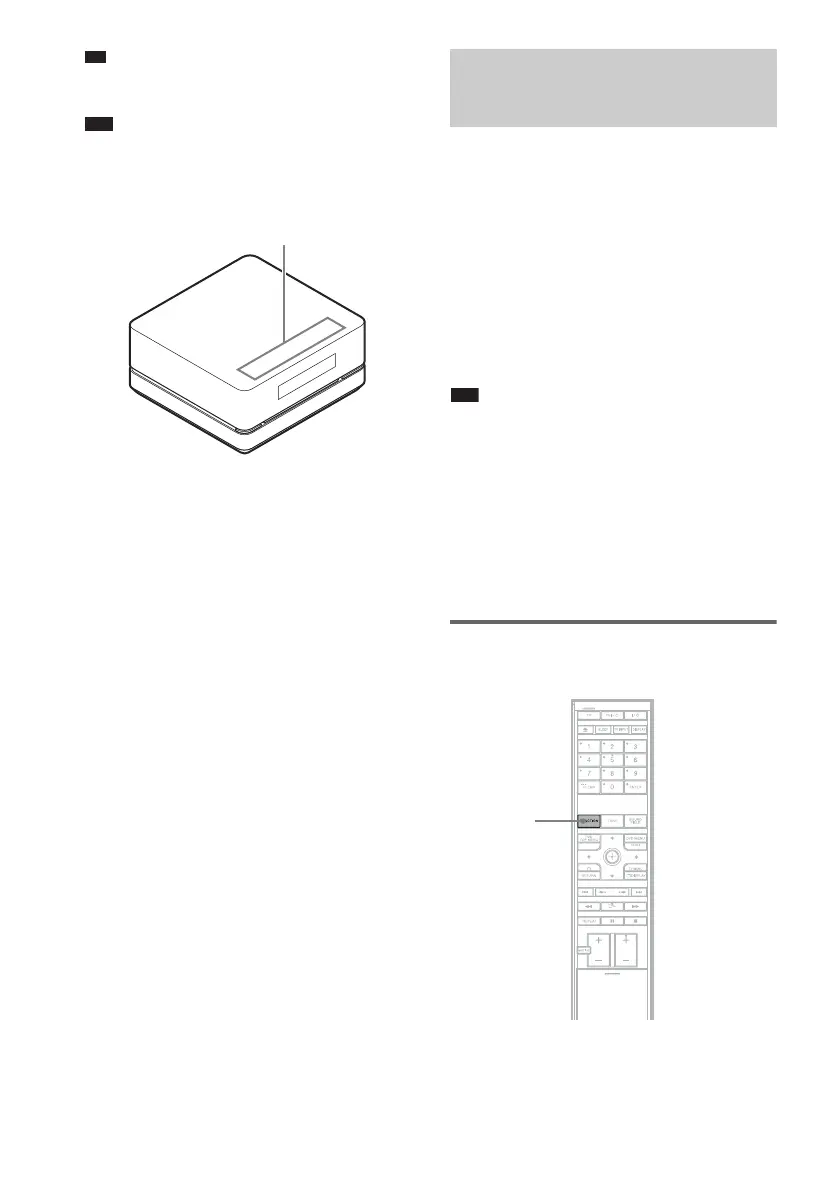
1 Press FUNCTION repeatedly until
“DMPORT” appears in the front panel
display.
Soft-touch button area
Using the DIGITAL MEDIA
PORT Adapter
FUNCTION










 To Next Page