masterpage:Right
specdef v20060111
filename[G:\FM\Sony\0508\3212589121\3212589121DAVIS10\gb06bas.fm]
model name [DAV-IS10]
[3-212-589-12(1)]
33
US
Basic Operations
To save the power in standby mode
Press "/1 while the system turns on. To cancel standby mode, press "/1 once.
Note
• When the system is turned off, do not push a disc into the control unit.
Additional operations
* DVD VIDEOs/DVD-RWs/DVD-Rs only.
** DVD VIDEOs/DVD-RWs/DVD-Rs/DVD+RWs/DVD+Rs only.
Note
• You may not be able to use the instant replay or instant advance function with some scenes.
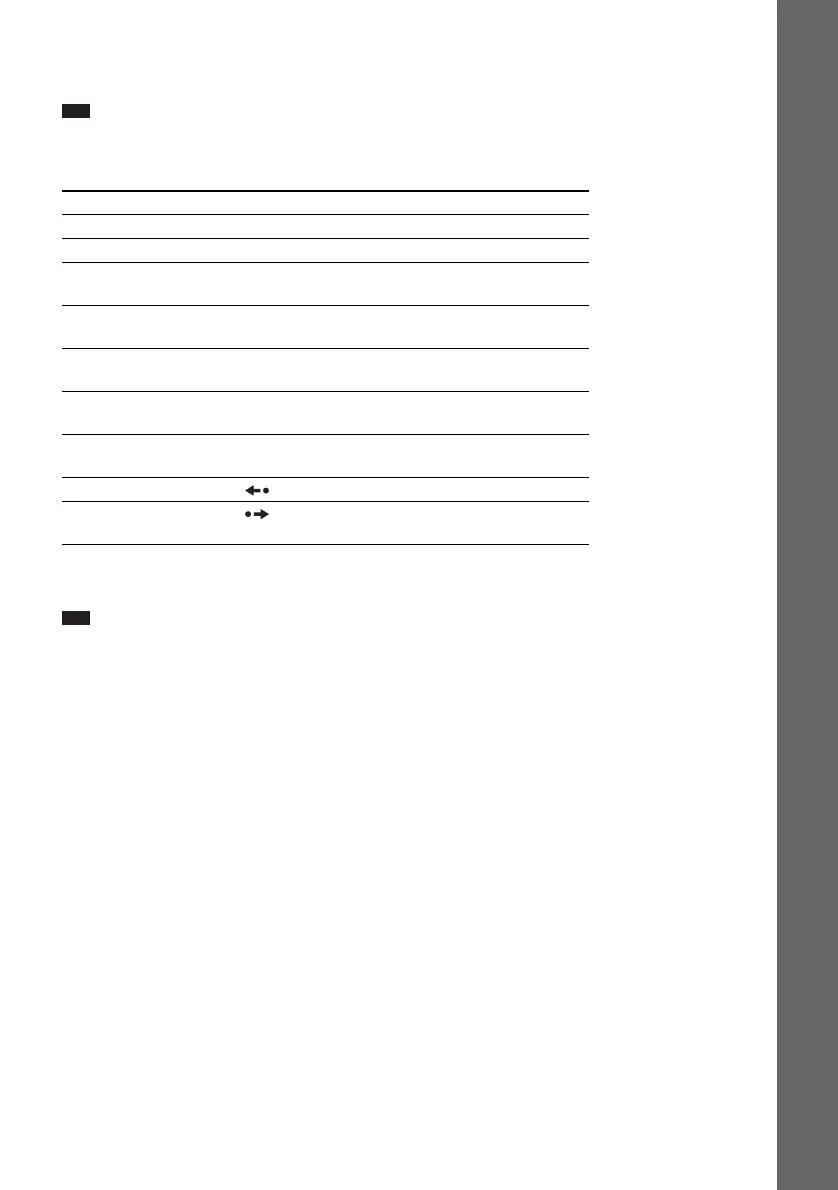
To Press
Stop x
Pause X
Resume play after pause X / H on the remote or N (soft-touch button) on the
control unit.
Go to the next chapter, track,
or scene
> (except for JPEG)
Go back to the preceding
chapter, track, or scene
. (except for JPEG)
Turn off the sound
temporarily
MUTING. To cancel muting, press it again or VOLUME
+ to adjust the sound volume.
Stop play and remove the
disc
Z
Replay the previous scene* (instant replay) during playback.
Briefly fast forward the
current scene**
(instant advance) during playback.










 To Next Page