Other Operations
masterpage:Right
specdef v20060111
filename[G:\FM\Sony\0508\3212589121\3212589121DAVIS10\gb11oth.fm]
model name [DAV-IS10]
[3-212-589-12(1)]
79
US
2 Start playback of the connected
component.
The sound and images from the connected
component are played on the system or
connected TV.
For operation details, see the operating
instructions of the DIGITAL MEDIA
PORT adapter (not supplied).
Ti
• When listening to MP3 or other compressed music
using a portable audio source, you can enhance the
sound. Press SOUND FIELD repeatedly until
“P.AUDIO” appears in the front panel display.
• Depending on the type of DIGITAL MEDIA PORT
adapter (not supplied), you may be able to operate a
connected component using either the buttons on the
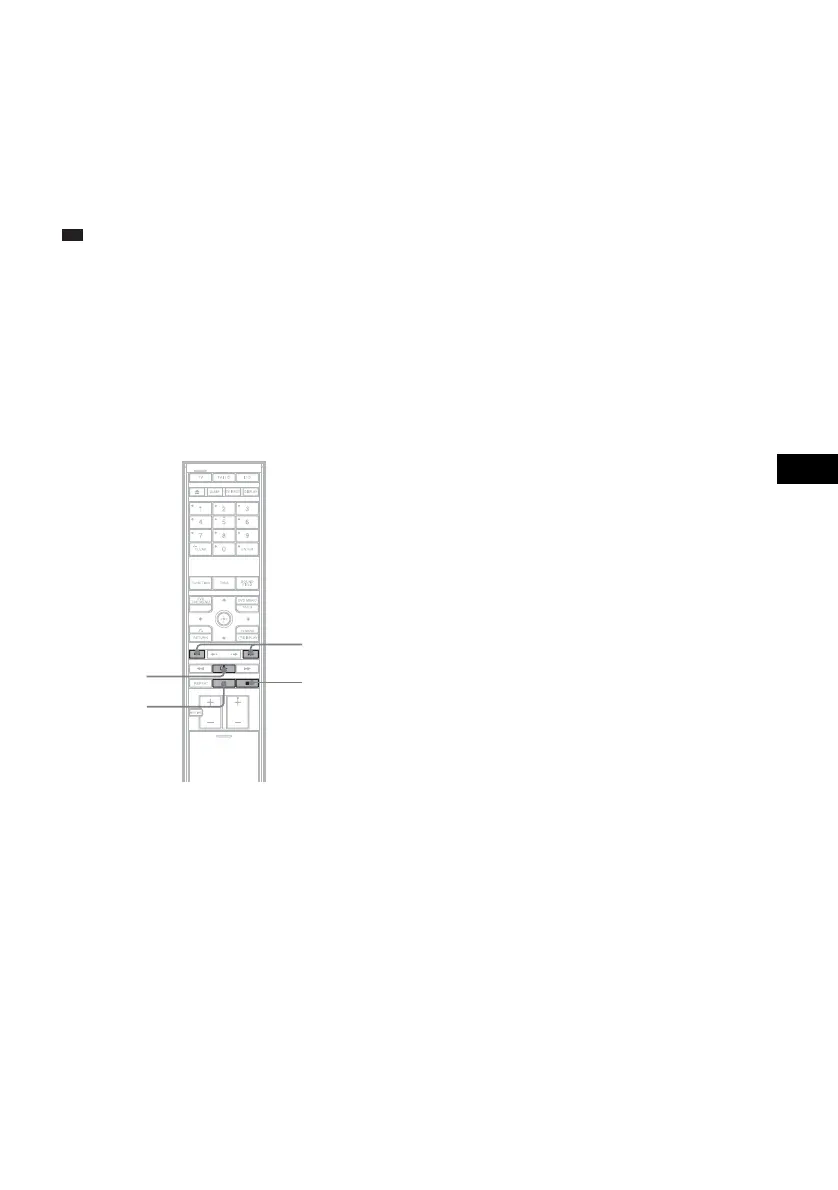
remote or the control unit. The following illustration
shows an example of buttons that can be used in this
case.
H
./>
x
X










 To Next Page