38-GB
Using e-mail
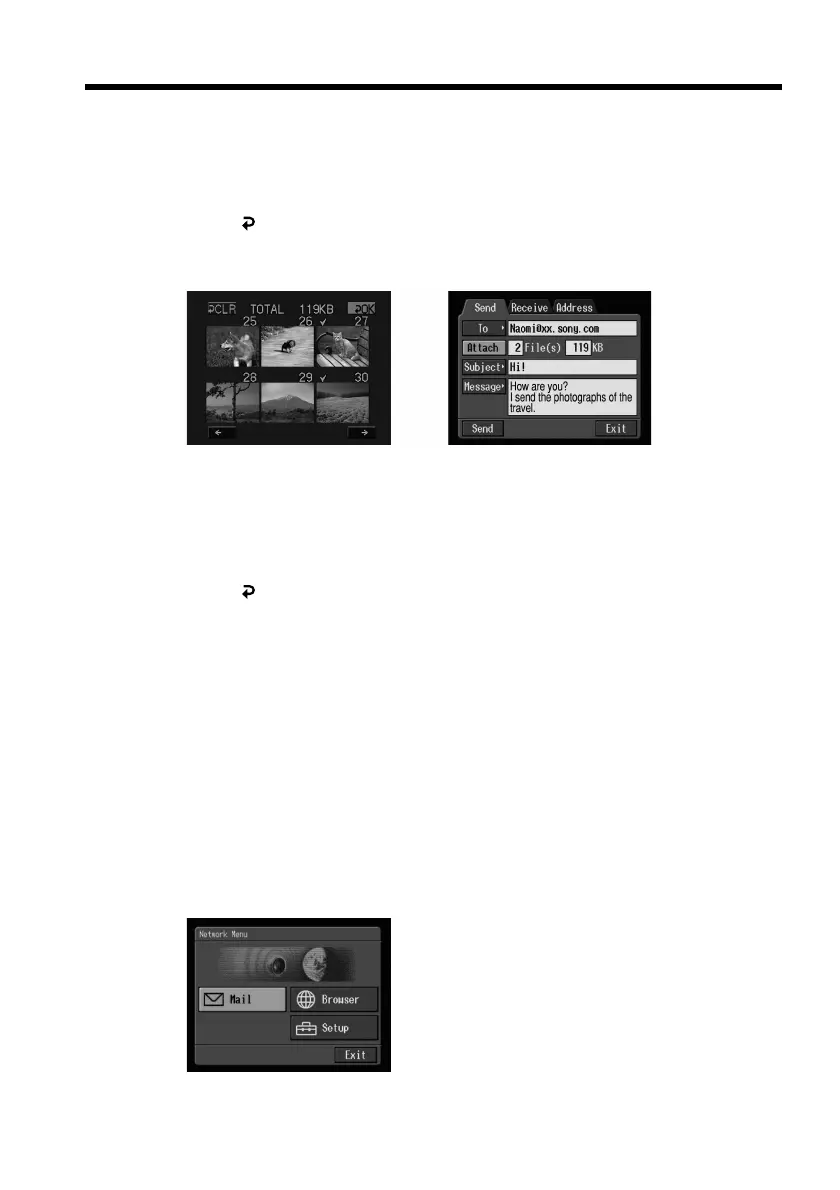
(4) Repeat step 3 to select other images.
Note
The total number of images you can attach is 99, and the attachable file size is
up to 3 MB.
(5) Select [
OK], then press the centre z on the control button.
The Send screen appears again. The total number of selected images and total
file size are indicated.
,
To cancel the selected image
Select the image again, then press the centre z on the control button. The
checkmark will disappear from the image.
To cancel all the selected images
Select [
CLR], then press the centre z on the control button.
(6) Carry out the procedure described in “4 Sending e-mail” on page 34 from
step 3.
Note
The amount of time it takes to send images depends on the image file size.
Attaching your signature to a message
You can attach your signature to the last column of the e-mail message.
(1) Open the Network Menu.
For details on how to open the Network Menu, refer to “Accessing the
network” in the operating instructions supplied with your camcorder.











 To Next Page