50-GB
Using e-mail
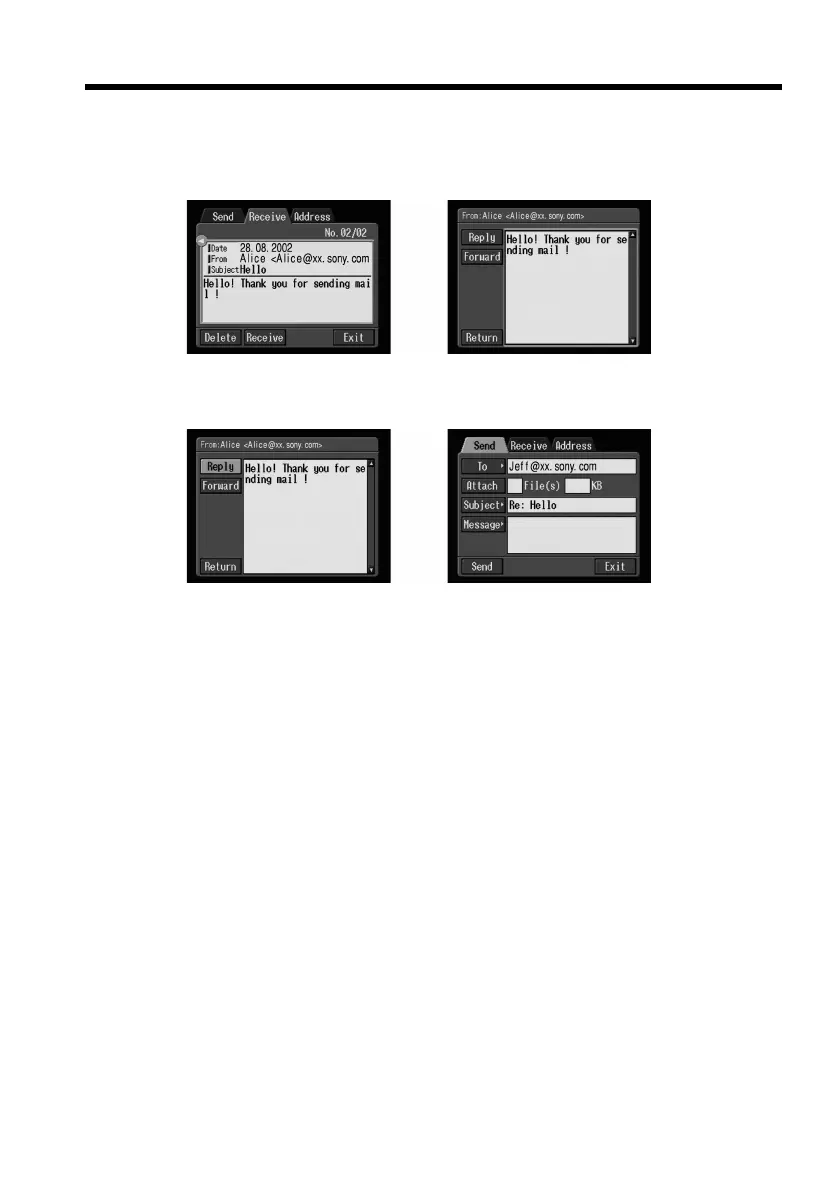
(2) Select the area where a message is indicated, then select the message you want
to reply to using the control button b/B, then press the centre z on the
control button.
The selected message is displayed.
,
(3) Select [Reply], then press the centre z on the control button.
The Send screen appears.
,
Tip
“Re:” is added to the beginning of the subject line.
(4) Carry out the procedure described in “3 Entering the text of a message” on
page 33 to enter the text of the message.
Tip
You cannot quote a received e-mail message.
(5) Carry out the procedure described in “4 Sending e-mail” on page 34 from
step 3.











 To Next Page