301
Troubleshooting Dépannage
5-digit display Cause and/or Corrective Action
• You are using a battery pack that is not an “InfoLITHIUM”
battery pack.
c Use an “InfoLITHIUM” battery pack (p. 31, 325).
• Moisture condensation has occurred.
c Eject the cassette and leave your camcorder for at least one
hour to acclimatise (p. 331).
• The video heads are dirty.
c Clean the heads using the Sony V8-25CLD cleaning cassette
(optional) (p. 332).
•A malfunction other than the above that you can service has
occurred.
c Eject the cassette and insert it again, then operate your
camcorder.
c Disconnect the mains lead of the AC Adaptor or remove the
battery pack. After reconnecting the power source, operate
your camcorder.
•A malfunction that you cannot service has occurred.
c Contact your Sony dealer or local authorised Sony service
facility and inform them of the 5-digit code. (e.g. E:61:10)
If you are unable to rectify the problem even if you try corrective actions several times, contact your
Sony dealer or local authorised Sony service facility.
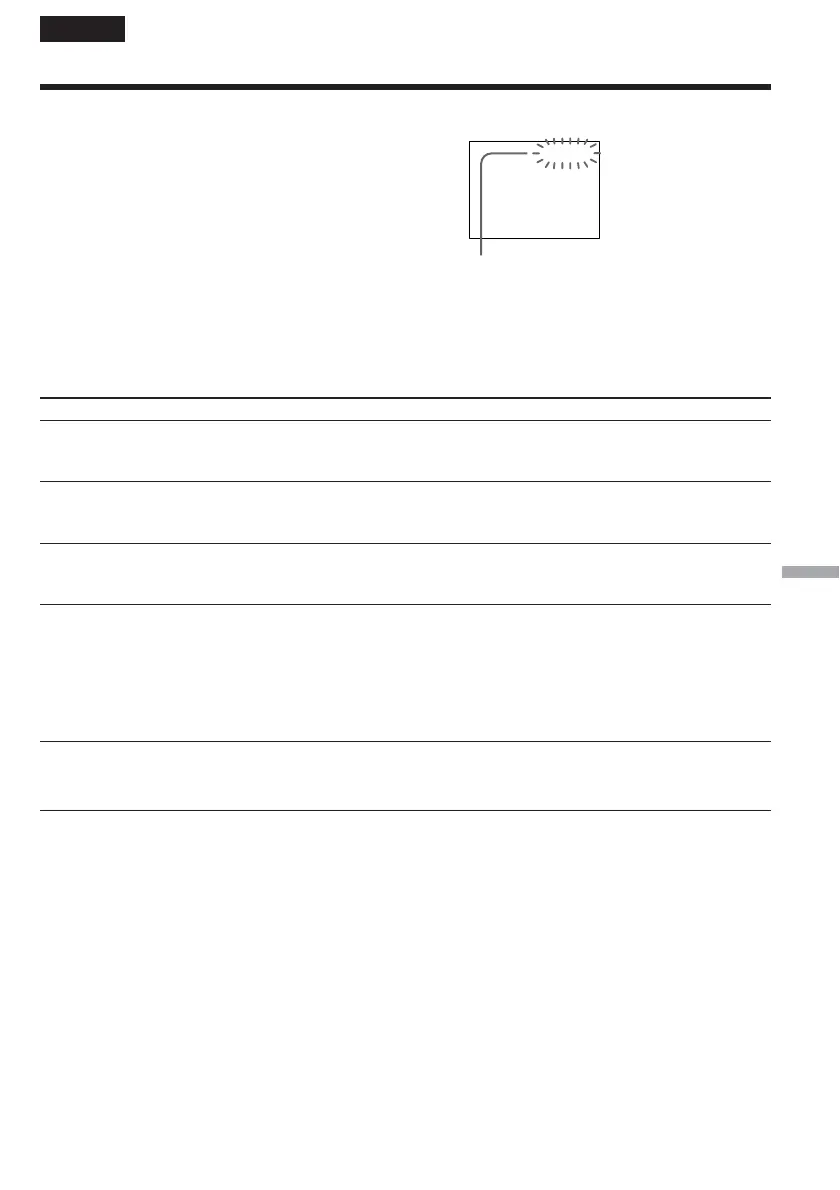
Your camcorder has a self-diagnosis display function.
This function displays the current state of your
camcorder as a 5-digit code (a combination of a letter
and numbers) on the screen.
If a 5-digit code is displayed, check the following list
of codes. The last two digits (indicated by ss) differ
depending on the state of your camcorder.
LCD screen or viewfinder
C:04:ss
C:21:ss
C:22:ss
C:31:ss
C:32:ss
E:20:ss
E:61:ss
E:62:ss
C:21:00
Self-diagnosis display
•C:ss:ss
You can service your camcorder
yourself.
•E:ss:ss
Contact your Sony dealer or local
authorised Sony service facility.
English
Self-diagnosis display



 To Next Page