56
Self-timer recording
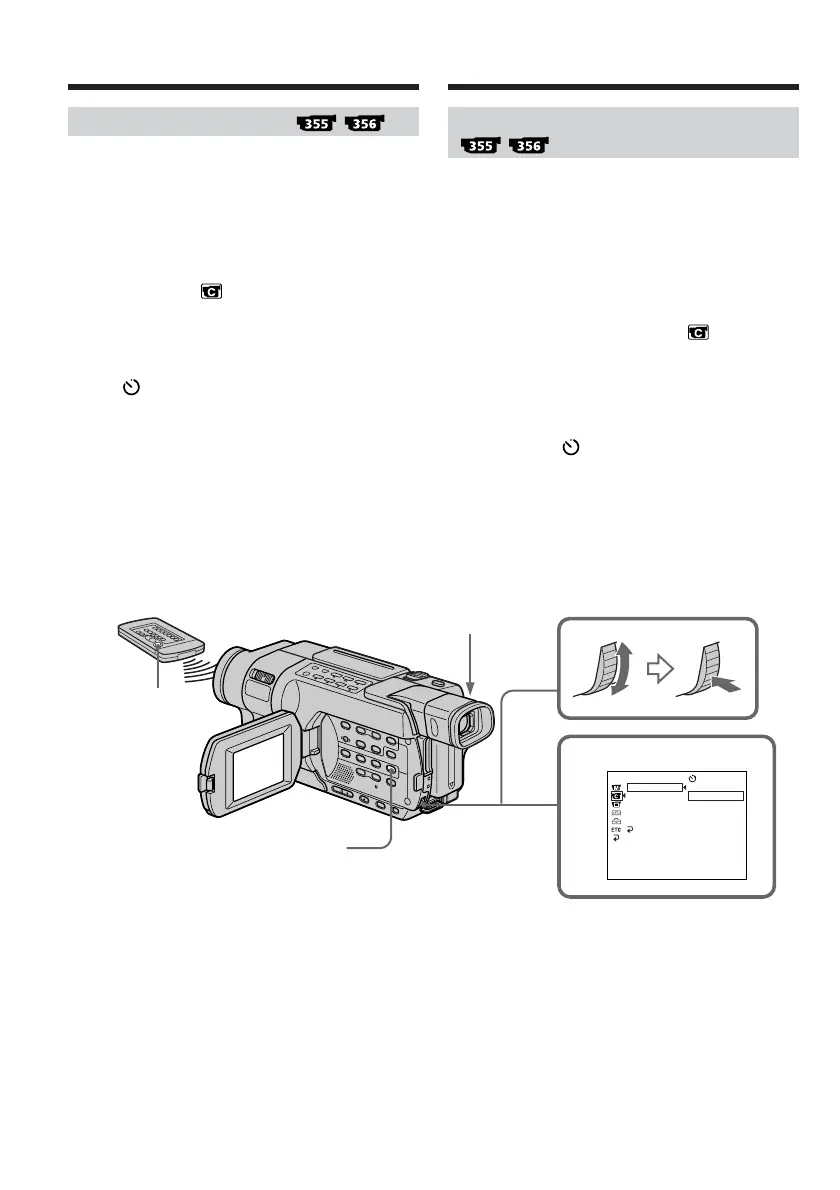
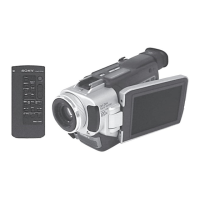
Recording with the self-timer starts in 10 seconds
automatically. You can also use the Remote
Commander for this operation.
(1) In the standby mode, press MENU to display
the menu settings.
(2) Turn the SEL/PUSH EXEC dial to select
SELFTIMER in , then press the dial.
(3) Turn the SEL/PUSH EXEC dial to select ON,
then press the dial.
(4) Press MENU to make the menu settings
disappear.
The (self-timer) indicator appears on the
screen.
(5) Press START/STOP.
Self-timer starts counting down from 10 with
a beep. In the last two seconds of the
countdown, the beep gets faster, then
recording starts automatically.
Recording a picture Enregistrement d’une image
Prise de vue avec le retardateur
La prise de vue avec retardateur commence
automatiquement après dix secondes. Vous
pouvez également effectuer cette opération avec
la télécommande.
(1) En mode d’attente, appuyez sur MENU pour
afficher les réglages de menu.
(2) Tournez la molette SEL/PUSH EXEC pour
sélectionner SELFTIMER sous , puis
appuyez sur la molette.
(3) Tournez la molette SEL/PUSH EXEC pour
sélectionner ON, puis appuyez sur la molette.
(4) Appuyez sur MENU pour quitter les réglages
de menu.
L’indicateur (retardateur) s’affiche à
l’écran.
(5) Appuyez sur START/STOP.
La minuterie du retardateur entame le
décompte à partir de dix en émettant un bip.
Dans les deux dernières secondes du
décompte, le bip devient plus rapide, puis la
prise de vue démarre automatiquement.
3
[
MENU
]
:
END
OFF
ON
CAMERA SET
SELFTIMER
D ZOOM
16:9WIDE
STEADYSHOT
N.S.LIGHT
RETURN
START/STOP
START/STOP
MENU










 To Next Page