80
Using the fader
function
You can fade in or out to give your recording a
professional appearance.
MONOTONE
When fading in, the picture gradually changes
from black-and-white to colour.
When fading out, the picture gradually changes
from colour to black-and-white.
*
1)
You can use BOUNCE when D ZOOM is set to
OFF in the menu setting.
*
2)
Fade in only
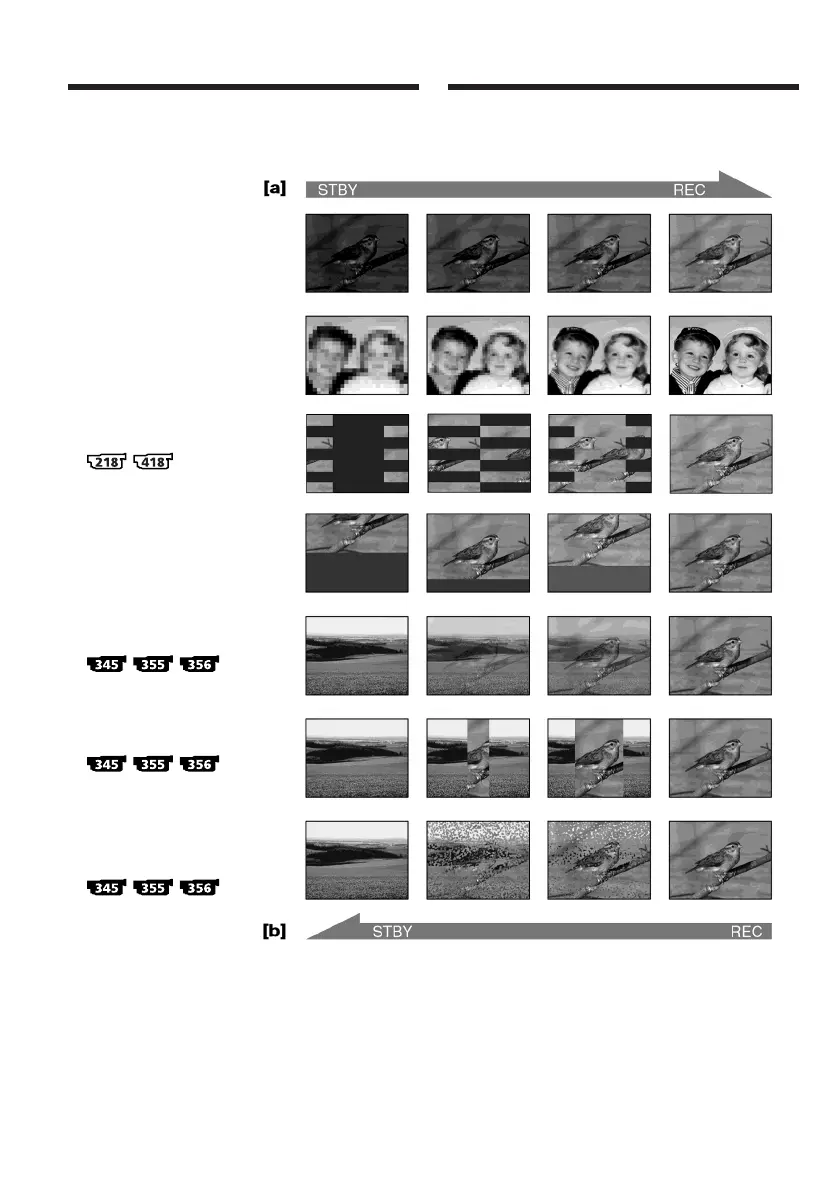
FADER
M.FADER
(mosaic)/(mosaïque)
BOUNCE*
1)
*
2)
OVERLAP*
2)
DOT*
2)
(random dot) /
(points au hasard)
STRIPE
WIPE*
2)
Utilisation de la fonction
de transitions en fondu
Vous pouvez faire des entrées et des sorties en
fondu pour donner un aspect professionnel à vos
enregistrements.
MONOTONE
Pendant l’entrée en fondu, l’image passe
graduellement du noir et blanc à la couleur.
Pendant la sortie en fondu, l’image passe
graduellement de la couleur au noir et blanc.
*
1)
Vous pouvez utiliser la fonction BOUNCE
lorsque D ZOOM est réglé sur OFF dans les
réglages de menu.
*
2)
Fondu en entrée uniquement














 To Next Page