54
GB
Notes
• The effects provided by the virtual speakers may
cause increased noise in the playback signal.
• When listening with sound fields that employ the
virtual speakers, you will not be able to hear any
sound coming directly from the surround speakers.
• This function does not work when
– signals with a sampling frequency of more than
48 kHz are input.
– the multi channel Linear PCM signals are
received via an HDMI IN jack.
• The surround back decoding mode does not
function when a sound field for movie or music is
selected (page 44).
Tips
• You can identify the encoding format of DVD
software, etc., by looking at the logo on the
package.
• Sound fields with DCS mark use DCS
technology. See “Glossary” (page 73).
To turn off the surround effect
for movie/music
Press 2CH to select “2CH ST.” or press A.F.D.
repeatedly to select “A.F.D. AUTO”.
Using only the front
speakers and subwoofers
(2CH + STEREO SUBWOOFER)
To enjoy a better sound quality from the front
left/right speakers and left/right subwoofers,
place your speakers and subwoofers as shown
on page 14.
In this mode, multi channel surround sources
are downmixed to 2 channels. When standard
2 channel stereo sources are input, the
receiver’s bass redirection circuitry will be
activated. The front bass frequencies will be
also output from the stereo subwoofer.
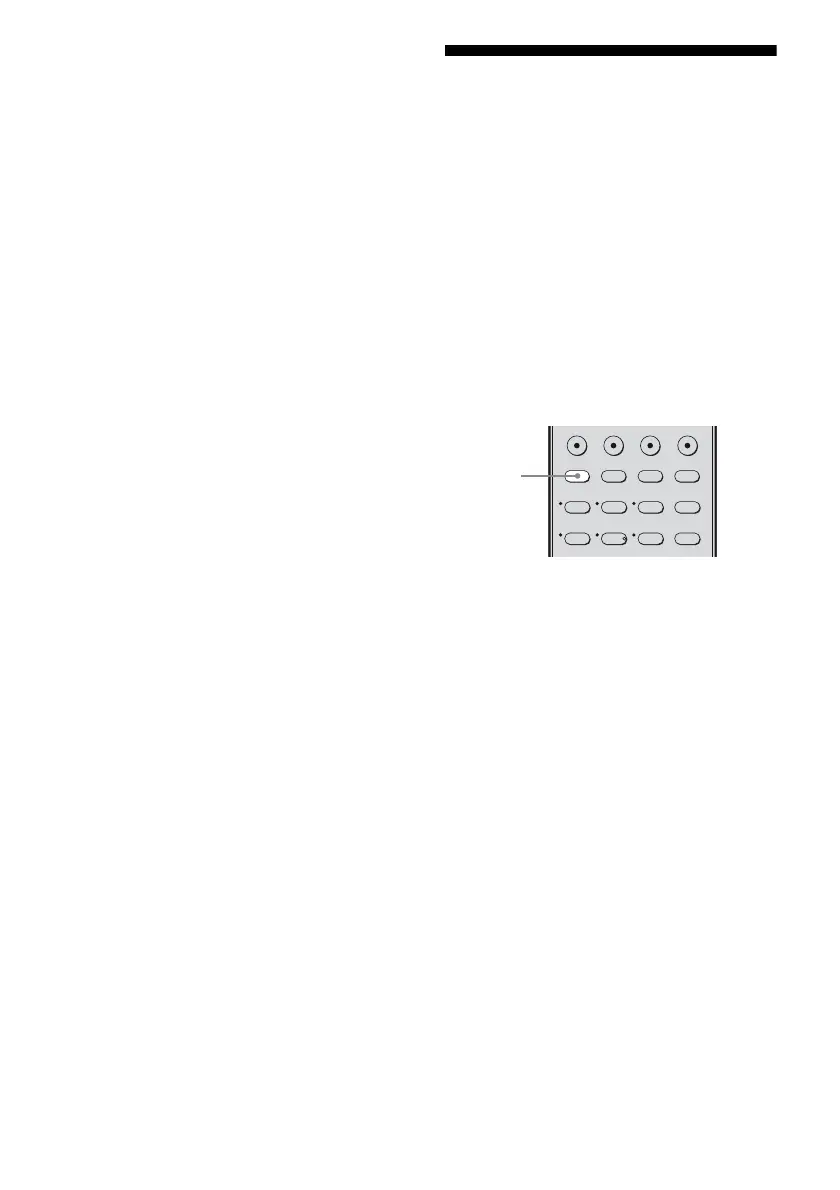
Press 2CH.
“2CH + STEREO SUBWOOFER” will scroll
accross the display, then “2CH ST.” appears.
Note
When you select a sound field other than “2CH ST.”,
you can only hear the monaural bass sound from the
subwoofers.
123
46
2CH A.F.D. MOVIE MUSIC
DVD/BD
MENU
AUTO CAL
THEATRE
SAT TV SA-CD/CD TUNER
5
2CH



 To Next Page