Printing selected "Memory Stick" images
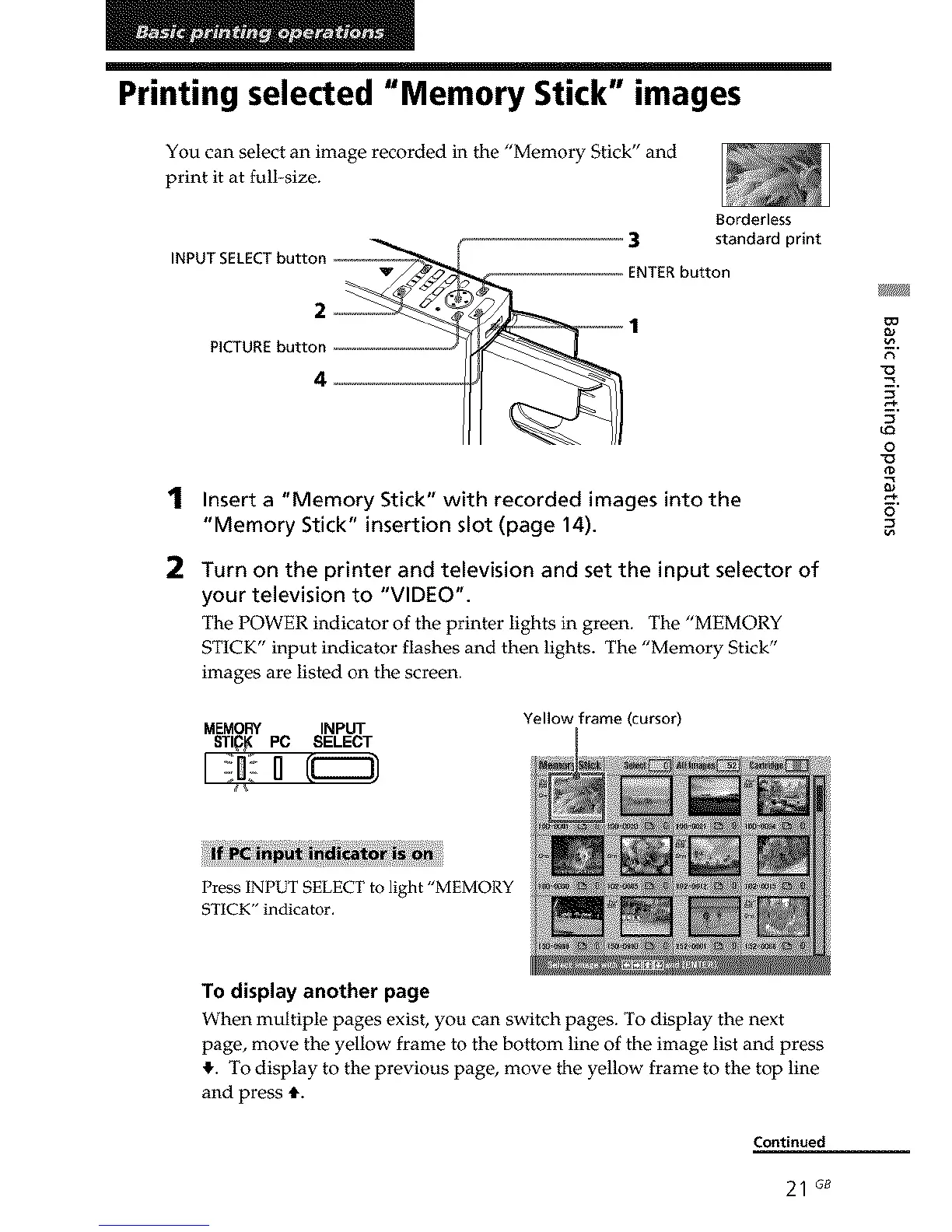
You can select an image recorded in the "Memory Stick" and
print it at full-size.
INPUT SELECT butto
Borderless
3 standard print
ENTER button
PICTURE button
1
2
Insert a "Memory Stick" with recorded images into the
"Memory Stick" insertion slot (page 14).
Turn on the printer and television and set the input selector of
your television to "VIDEO".
The POWER indicator of the printer lights in green. The "MEMORY
STICK" input indicator flashes and then lights. The "Memory Stick"
images are listed on the screen.
MEMORY INPUT
Yellow frame (cursor)
9.
u_
o
0
o
Press INPUT SELECT to light "MEMORY
STICK" indicator.
To display another page
When multiple pages exist, you can switch pages. To display the next
page, move the yellow frame to the bottom line of the image list and press
_,. To display to the previous page, move the yellow frame to the top line
and press t.
Continued
21 G8



 To Next Page