Viewing the slideshow
You can perform a slideshow of the images saved in a "Memory Stick".
1 Insert a "Memory Stick" into the printer.
The image list in the "Memory Stick" is displayed.
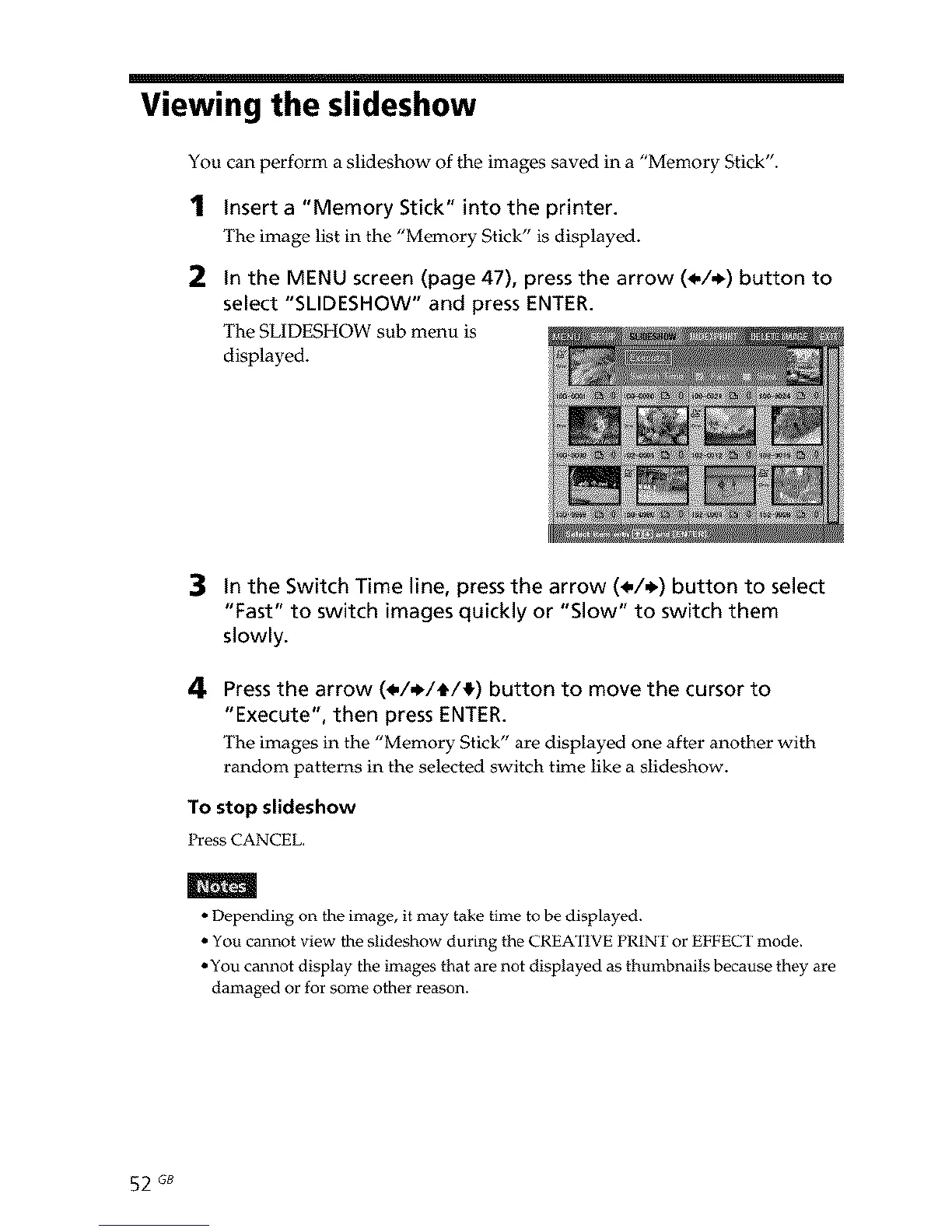
2 In the MENU screen (page 47), press the arrow (_,/_) button to
select "SLIDESHOW" and press ENTER.
The SLIDESHOW sub menu is
displayed.
3 In the Switch Time line, pressthe arrow (_./._) button to select
"Fast" to switch images quickly or "Slow" to switch them
slowly.
4 Pressthe arrow (_/,_/tt/_) button to move the cursor to
"Execute", then press ENTER.
The images in the "Memory Stick" are displayed one after another with
random patterns in the selected switch time like a slideshow.
To stop slideshow
Press CANCEL.
m
• Depending on the image, it may take time to be displayed.
• You cannot view the slideshow during the CREATIVE PRINT or EFFECT mode.
• You cannot display the images that are not displayed as thumbnails because they are
damaged or for some other reason.
52 GB



 To Next Page