Deleting images
You can delete images in the "Memory Stick". You can also format the
"Memory Stick" (page 55).
m
• During deleting or formatting, do not turn off the power or remove the "Memory
Stick" from the i_'c_ertion slot. The "Memory Stick" may be damaged.
• If the "Memory Stick" is in write protect status, you cannot delete images or format
the "Memory Stick".
• When you select "Delete Image", you cannot delete an image protected or preset by
DPOF.
• An image, once deleted, will be lost forever. Before deleting an image, double-check
that it is the right one.
• When formatting a "Memory Stick", all the files including the image files will be
deleted.
• You cannot delete an image in the CREATIVE PRINT or EFFECT mode.
• You cannot format or delete an image in the "Memory Stickq_OM'.
You can select and delete images on a "Memory Stick".
1 Insert a "Memory Stick" into the printer.
The image list in the "Memory Stick" is displayed.
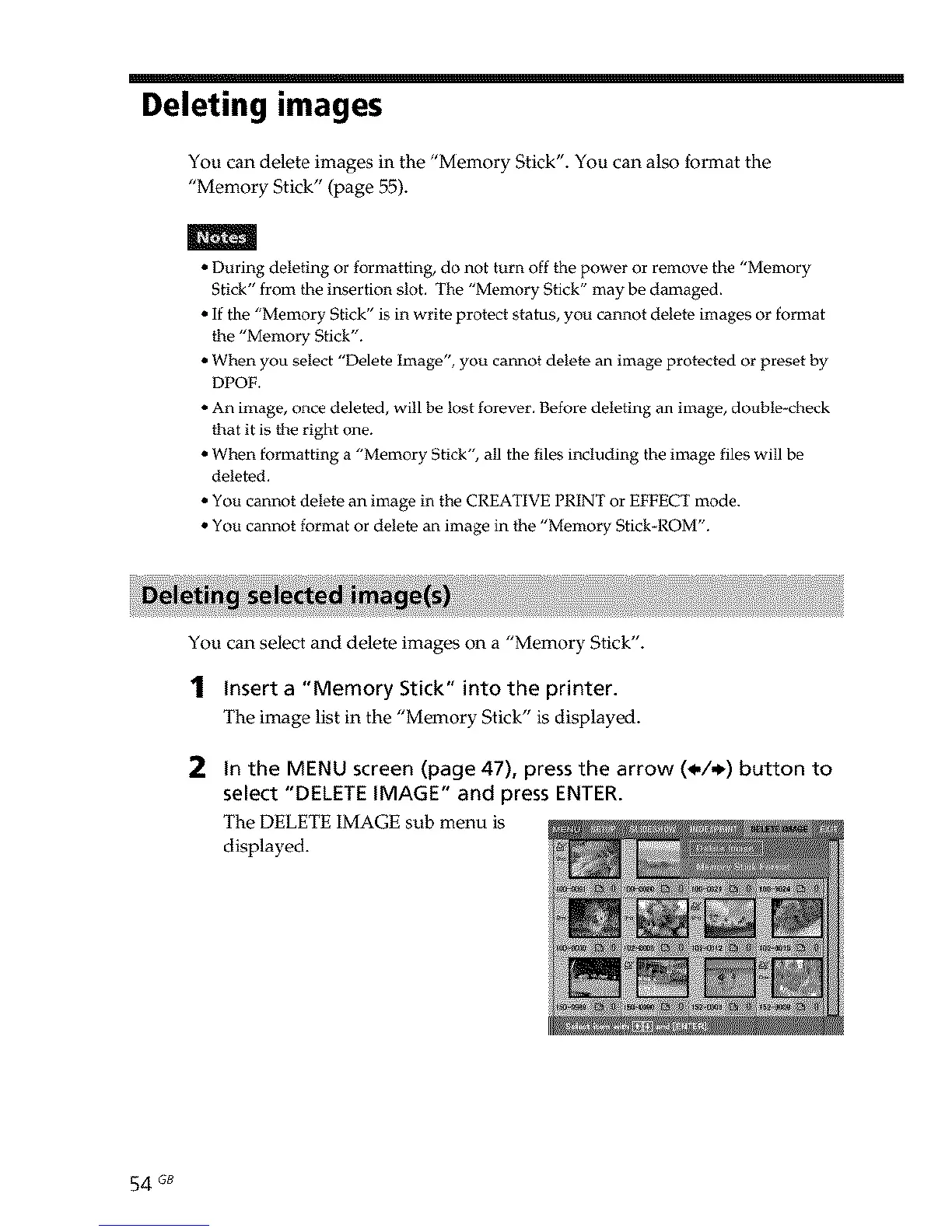
2 In the MENU screen (page 47), press the arrow (_,/_) button to
select "DELETE IMAGE" and press ENTER.
The DELETE IMAGE sub menu is
displayed.
54 GB



 To Next Page