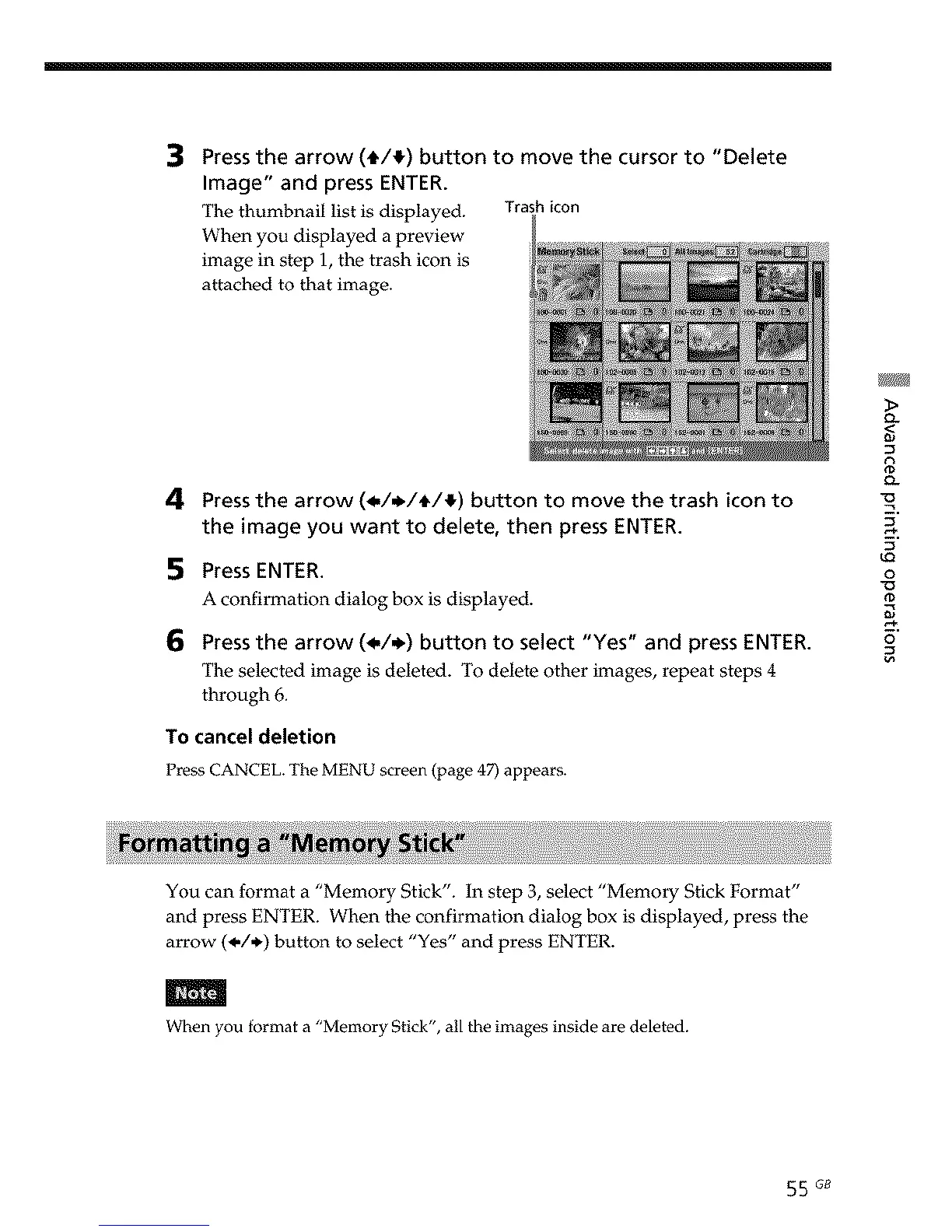
Press the arrow (t/!) button to move the cursor to "Delete
Image" and press ENTER.
The thumbnail list is displayed. Trash icon
When you displayed a preview
image in step 1, the trash icon is
attached to that image.
4 Press the arrow (_,/,_/t/!) button to move the trash icon to
the image you want to delete, then press ENTER.
5 Press ENTER.
A confirmation dialog box is displayed.
6 Press the arrow (_,/_,) button to select "Yes" and press ENTER.
The selected image is deleted. To delete other images, repeat steps 4
through 6.
To cancel deletion
Press CANCEL. The MENU screen (page 47) appears.
o-
<
o_
9
u_
o
_D
o
You can format a "Memory Stick". In step 3, select "Memory Stick Format"
and press ENTER. When the confirmation dialog box is displayed, press the
arrow (_,/,_) button to select "Yes" and press ENTER.
m
When you format a "Memory Stick", all the images inside are deleted.
55 G8



 To Next Page