Making various prints (CREATIVEPRINT)
The CREATIVE PRINT menu allows you to make a variety of prints using an
image of the "Memory Stick".
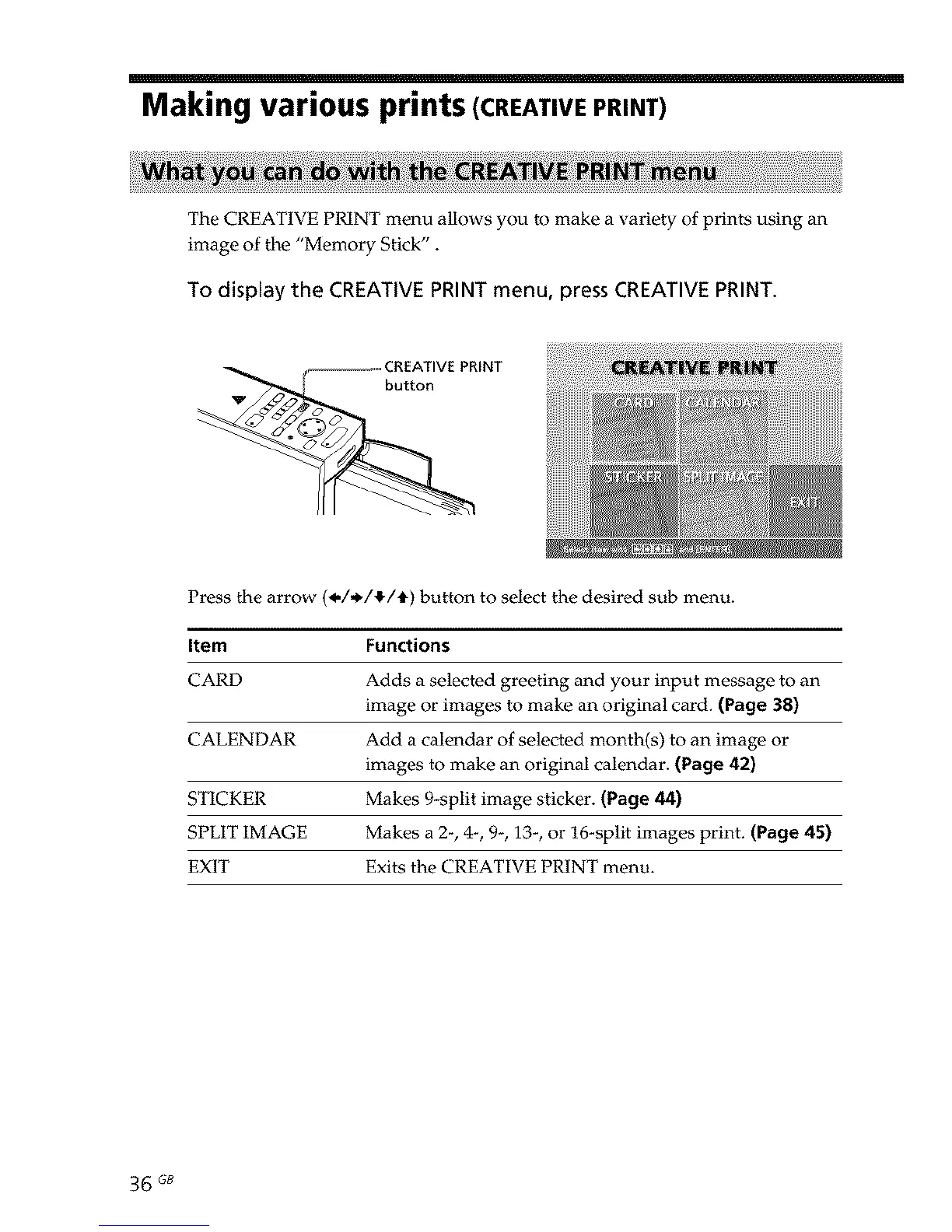
To display the CREATIVE PRINT menu, press CREATIVE PRINT.
_ooooooooo_ CREATIVE PRINT
button
Press the arrow (_,/,_/_./t) button to select the desired sub menu.
Item Functions
CARD Adds a selected greeting and your input message to an
image or images to make an original card. (Page 38)
CALENDAR Add a calendar of selected month(s) to an image or
images to make an original calendar. (Page 42)
STICKER Makes 9-split image sticker. (Page 44)
SPLIT IMAGE Makes a 2-, 4-, 9-, 13-, or 16*split images print. (Page 45)
EXIT Exits the CREATIVE PRINT menu.
36 GB



 To Next Page