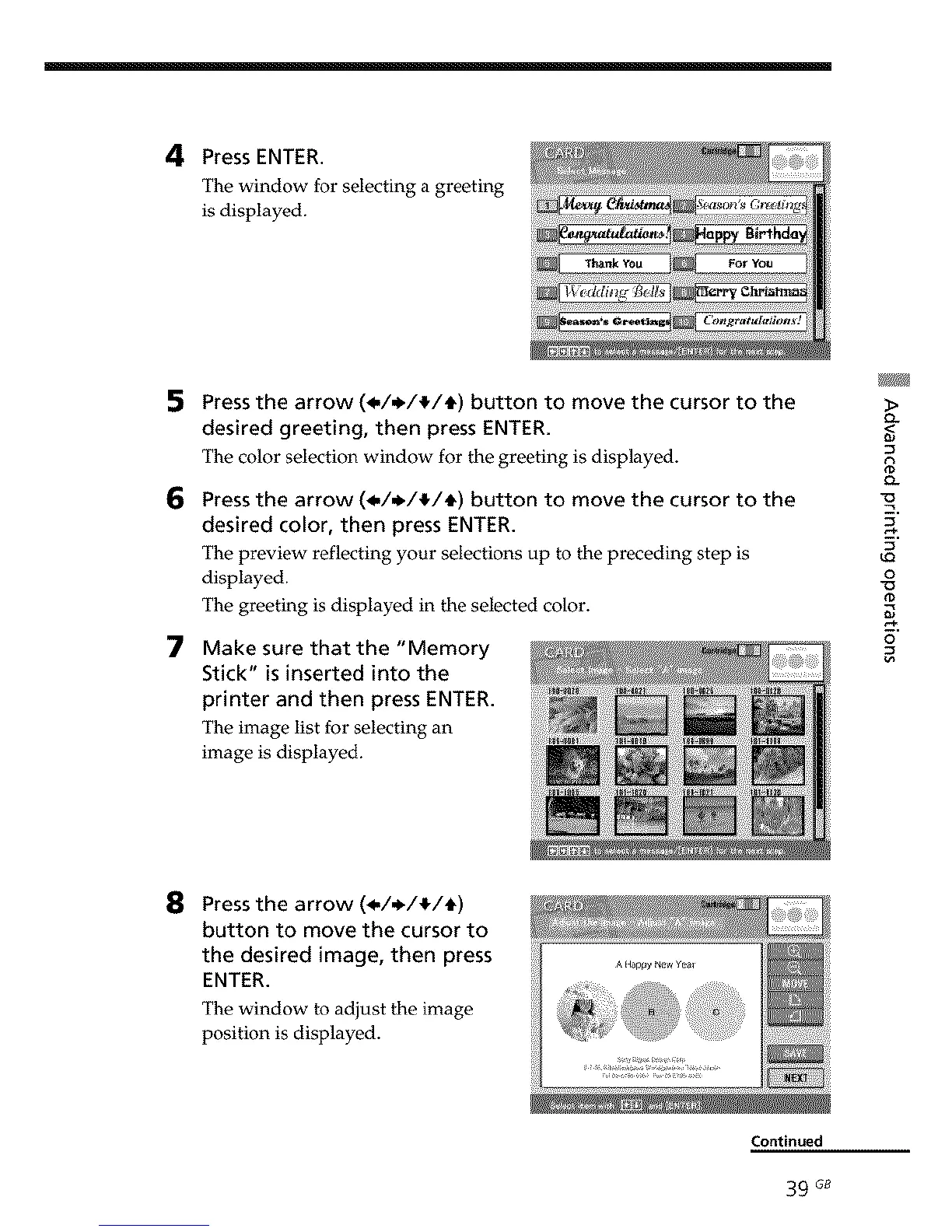
4 Press ENTER.
The window for selecting a greeting
is displayed.
5
6
7
Press the arrow (_,/,_/!/_) button to move the cursor to the
desired greeting, then press ENTER.
The color selection window for the greeting is displayed.
Press the arrow (_,/,_/_/_) button to move the cursor to the
desired color, then press ENTER.
The preview reflecting your selections up to the preceding step is
displayed.
The greeting is displayed in the selected color.
Make sure that the "Memory
Stick" is inserted into the
printer and then press ENTER.
The image list for selecting an
image is displayed.
o-
0-
9
u_
o
0
o
8 Press the arrow (_,/,_/_/_)
button to move the cursor to
the desired image, then press
ENTER.
The window to adjust the image
position is displayed.



 To Next Page