Making various prints (CREATIVE PRINT)
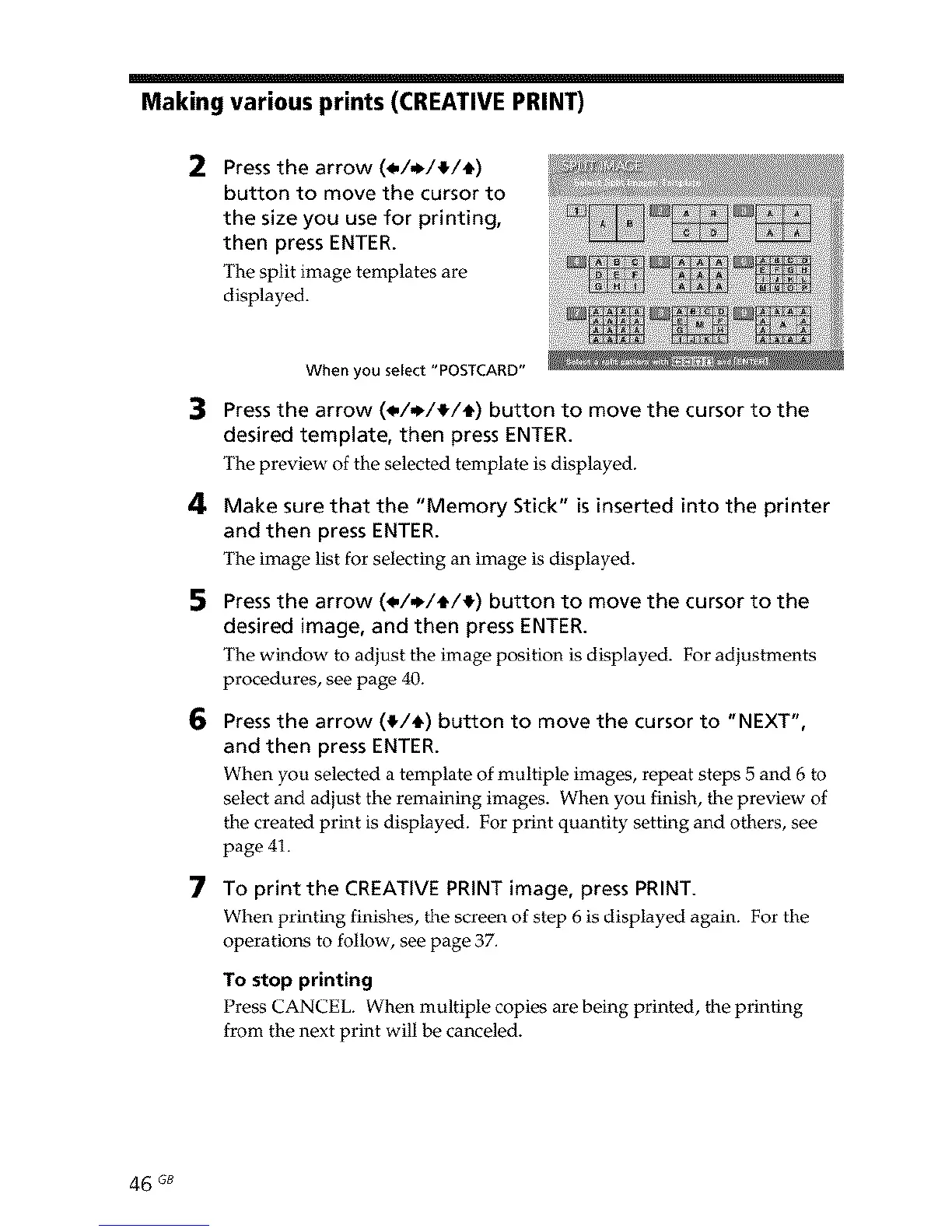
2 Pressthe arrow (4,/,l_/!/t)
button to move the cursor to
the size you use for printing,
then press ENTER.
The split image templates are
displayed.
3
4
5
6
7
When you select "POSTCARD"
Pressthe arrow (4,/,i_/_/_) button to move the cursor to the
desired template, then press ENTER.
The preview of the selected template is displayed.
Make sure that the "Memory Stick" is inserted into the printer
and then press ENTER.
The image list for selecting an image is displayed.
Pressthe arrow (4,/,1_/_/_) button to move the cursor to the
desired image, and then press ENTER.
The window to adjust the image position is displayed. For adjustments
procedures, see page 40.
Press the arrow (_/_) button to move the cursor to "NEXT",
and then press ENTER.
When you selected a template of multiple images, repeat steps 5 and 6 to
select and adjust the remaining images. When you finish, the preview of
the created print is displayed. For print quantity setting and others, see
page 41.
To print the CREATIVE PRINT image, press PRINT.
When printing finishes, the screen of step 6 is displayed again. For the
operations to follow, see page 37.
To stop printing
Press CANCEL. When multiple copies are being printed, the printing
from the next print will be canceled.
46 GB



 To Next Page