13
GB
Preparations
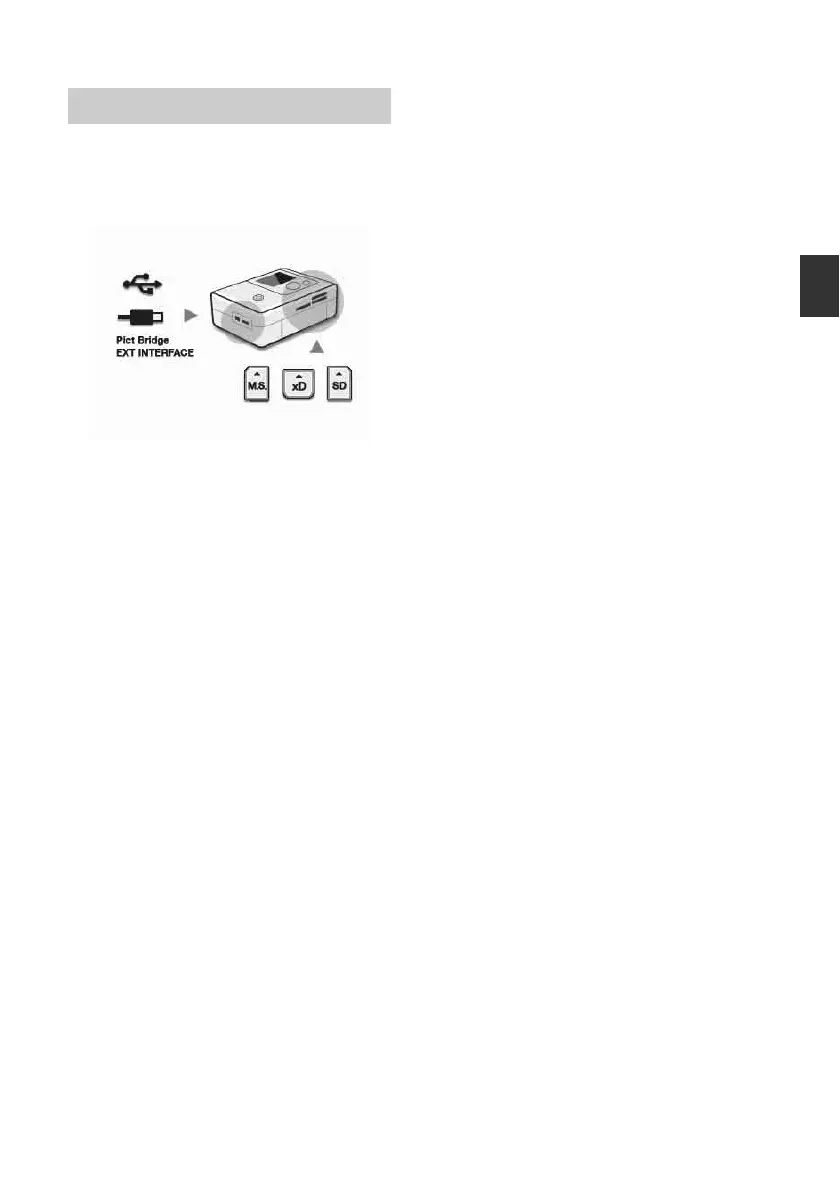
When the photo printer is turned on without a
memory card inserted or a PC connected, the
initial display below appears on the screen.
When the printer is not operated for 5 seconds,
demo mode is displayed. If any other button
than the 1 (on/standby) button is pressed, the
screen returns to the initial display. If a
memory card is inserted, or a PC is connected,
the images from the connected device are
displayed.
To print directly from a memory card or an
external device, see page 14. To print from a
PC, see page 37.
Operations in an initial state



 To Next Page