20
GB
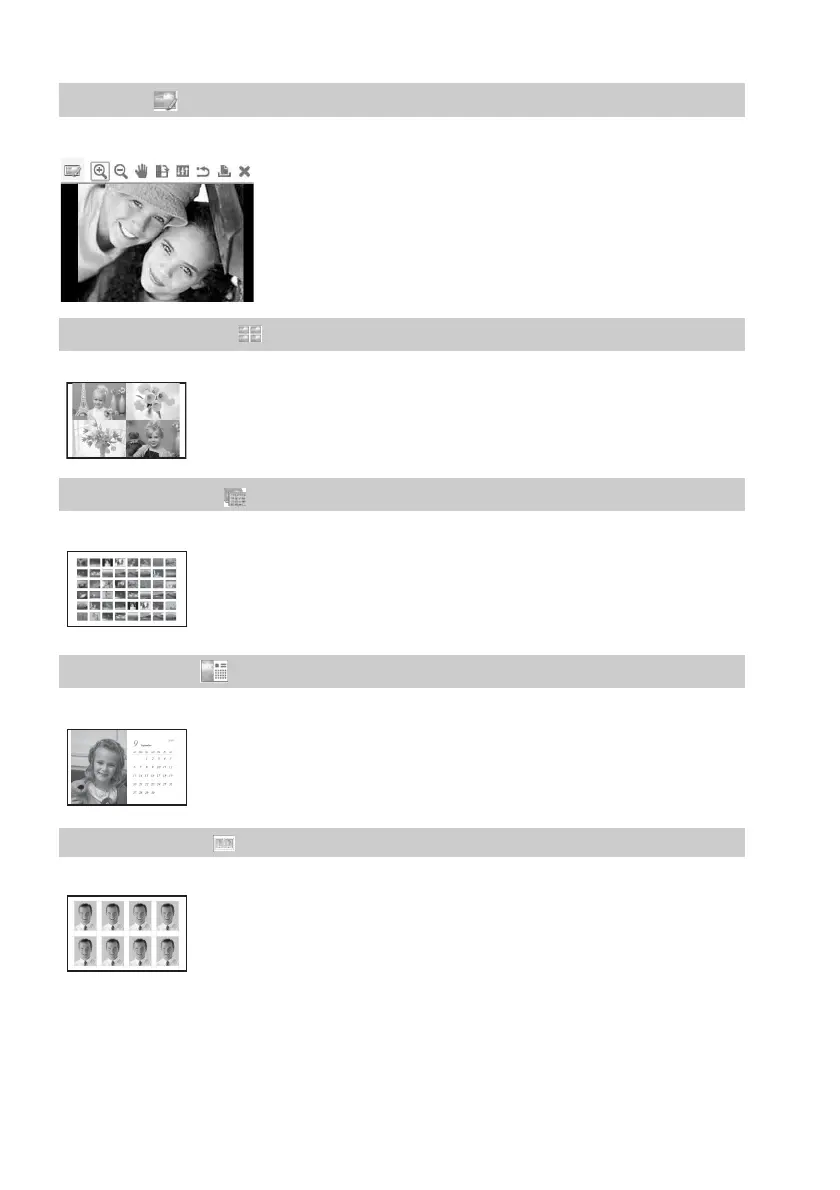
You can adjust the size, position, hue or other picture property of the selected image.
You can place multiple photos on split screens to make a print.
You can print a large number of images of a memory card or USB memory at one time.
You can create an original calendar by selecting images.
You can specify the desired width and height of a photo.
1 Edit .page 23
For the icons you can use, see page 16.
2 Layout Print .page 25
You can make a print with 2-split, 4-split, 9-split, 13-split or
16-split images.
3 Batch Print .page 26
You can select from batch print options such as “Index Print,”
“Print All,” and “DPOF Print.”
4 Calendar .page 27
5 ID Photo .page 28
You can use a photo for an identification card such as a
passport.



 To Next Page