Others
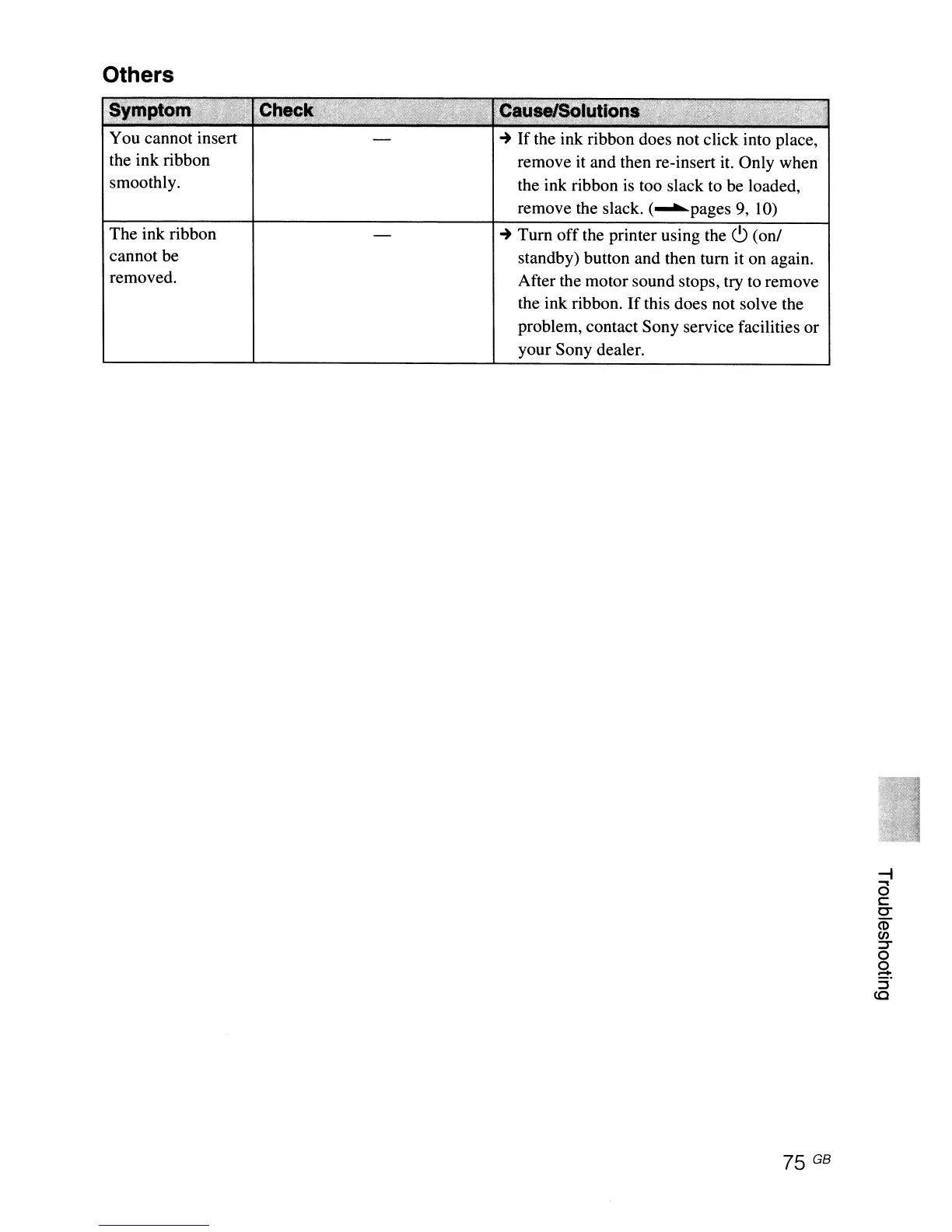
You cannot insert
the ink ribbon
smoothly.
The ink ribbon
cannot be
removed.
~
If
the ink ribbon does not click into place,
remove it and then re-insert
it.
Only when
the ink ribbon
is
too slack to be loaded,
remove the slack.
(~pages
9,
10)
~
Turn
off
the printer using the
c9
(on/
standby) button and then turn it on again.
After the motor sound stops, try
to
remove
the ink ribbon.
If
this does not solve the
problem, contact Sony service facilities or
your Sony dealer.
75 GB



 To Next Page