56 Location and Functions of Parts and Controls
F POWER switch
Press this button to turn on/off the
camera when the camera is connected to
an AC outlet.
G BACK LIGHT button
Press this button to enable the backlight
compensation. Press it again to disable
the backlight compensation.
H POSITION buttons
Hold down the PRESET button and
press button 1 to 6 to store the current
camera direction, zooming, focus
adjustment and backlight compensation
in the memory of the pressed number
button.
To erase the memory contents, hold
down the RESET button and press
button 1 to 6.
I PAN-TILT RESET button
Press this button to reset the pan/tilt
position.
J ZOOM buttons
Use the SLOW button to zoom slowly,
and the FAST button to zoom quickly.
Press the T (telephoto) side of the button
to zoom in, and the W (wide angle) side
to zoom out.
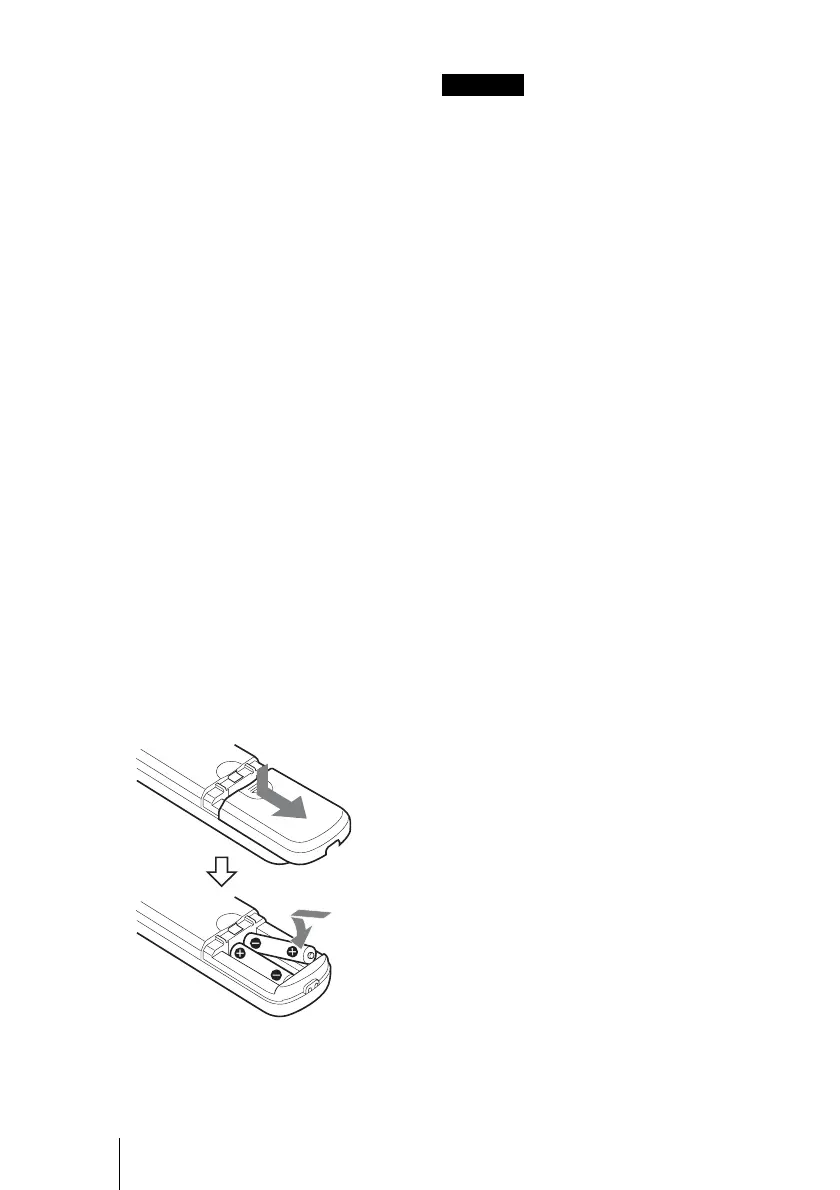
To install batteries
To avoid risk of explosion, use R6 (size AA)
manganese or alkaline batteries.
Two R6 (size AA) batteries
(not supplied)
Caution











 To Next Page