74 Connections
Set the SYSTEM SELECT switch to the
position where the corresponding HD signal
is output.
For details, “Setting of the SYSTEM
SELECT switch” (page 53).
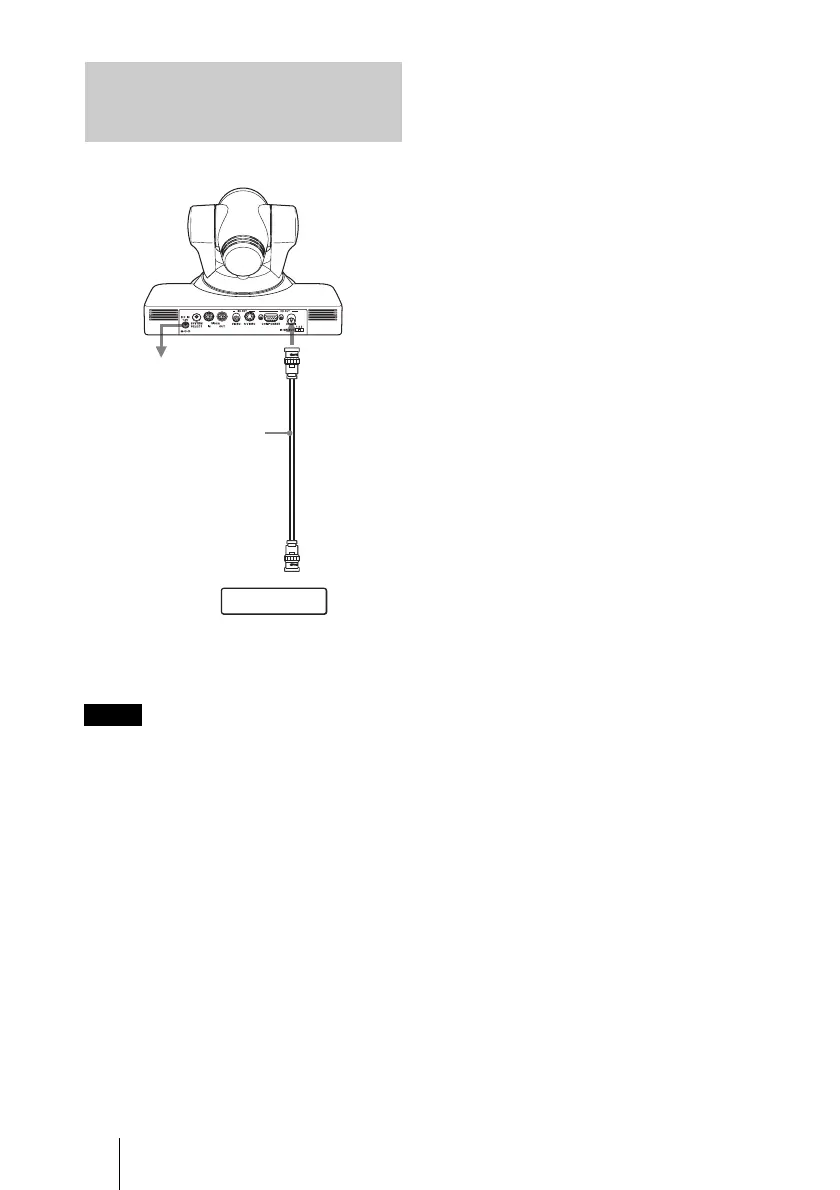
Connecting a VTR Equipped
with HD-SDI Input
Connectors
Note
to AC outlet
Connecting cable with
BNC connectors (not
supplied)
to HD-SDI
input
HDCAM, VTR, etc. equipped with
an HD-SDI input connectors
HD OUT
HD-SDI











 To Next Page