58 Operating the Camera Using Menus
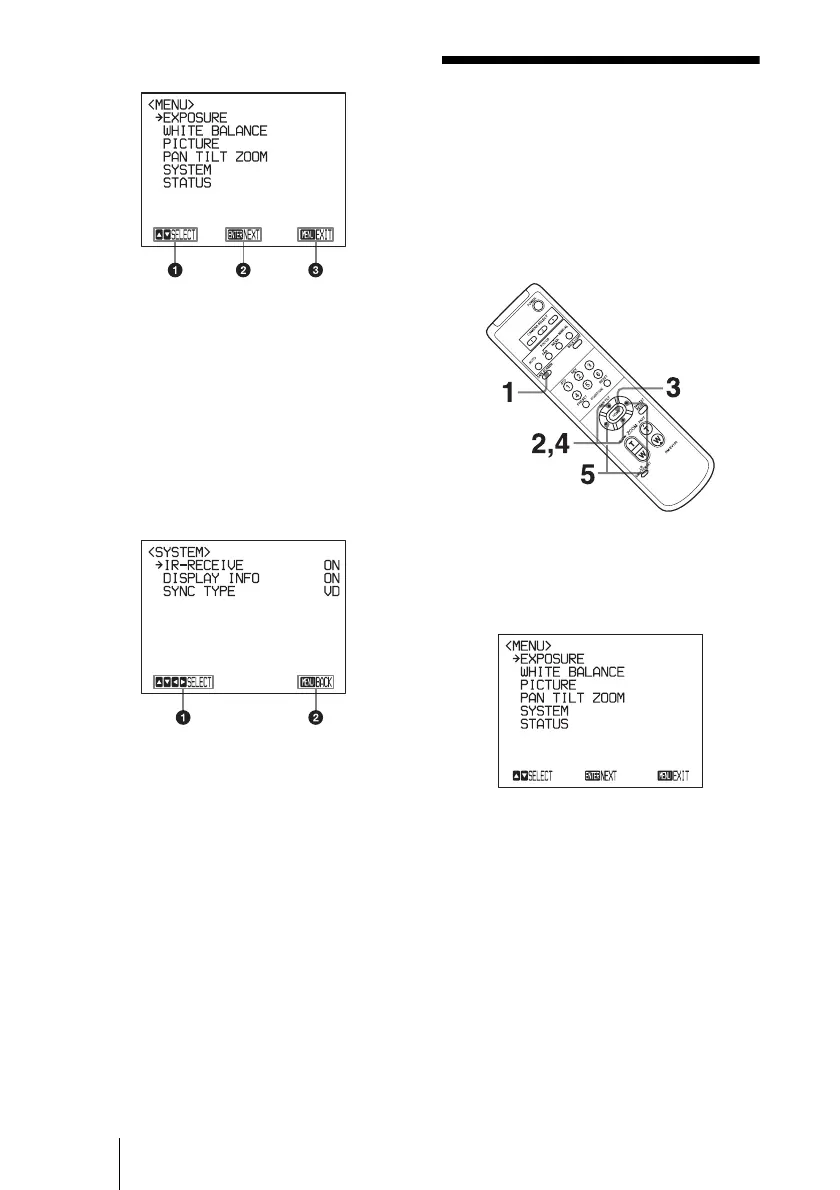
Main menu
a Indicates that you should use the V or v
button on the remote commander to
select the setting menu.
b Indicates that you can move to the next
layer (setting menu) by pressing the
HOME button.
c Indicates that you can return to the
normal display by pressing the DATA
SCREEN button.
Setting menu
a Indicates that you can select the setting
item by using the V
or v button and you
can change the set value by using tthe B
or b button.
b Indicates that you can return to the main
menu by pressing the DATA SCREEN
button.
Operating the
Camera Using
Menus
For details on each menu, see page 60 to
page 64.
1 Press the DATA SCREEN button.
The main menu appears.











 To Next Page