59
Operating the Camera Using Menus
Adjusting and Setting with Menus
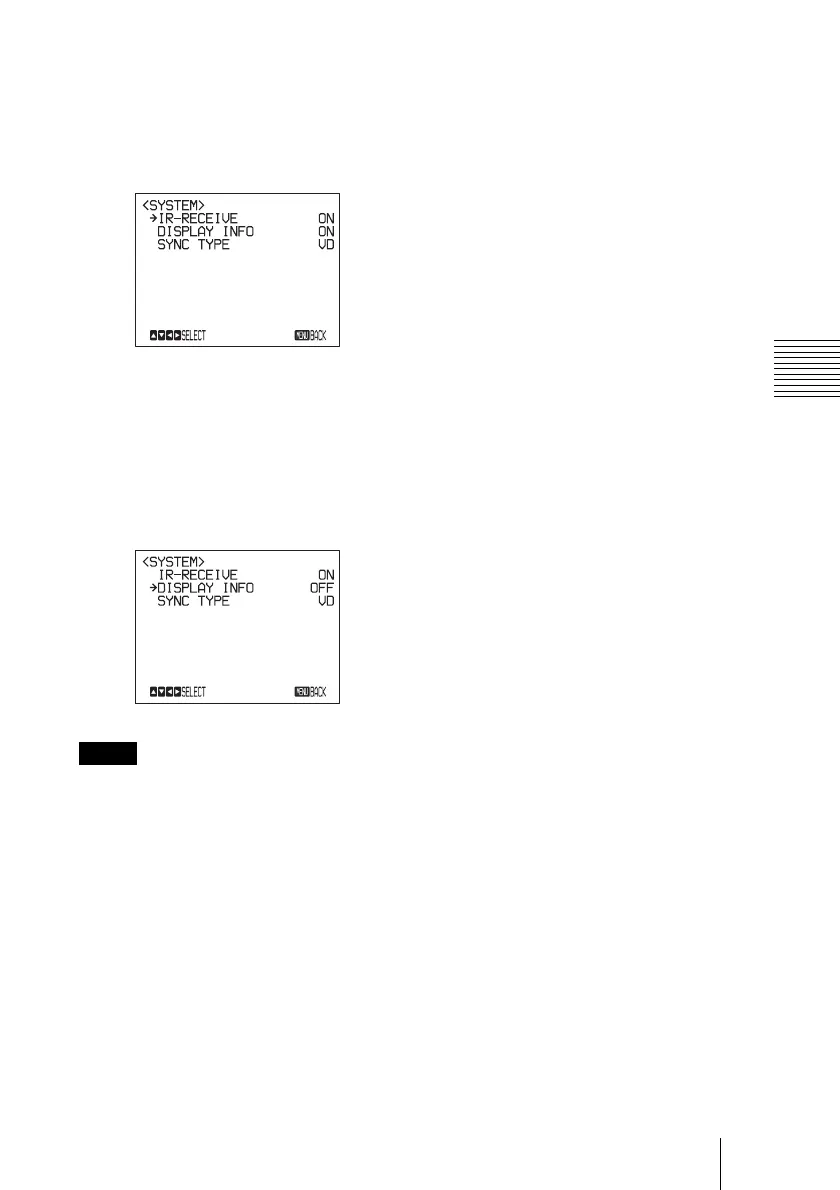
2 Move the cursor to the menu item to
be set by pressing the
V or v button.
3 Press the HOME button.
The selected menu appears.
4 Move the cursor to the setting item to
be changed by pressing the
V or v
button.
5 Change the value by pressing the B or
b button.
When you are operating the menu using the
supplied Remote Commander, you cannot
set IR-RECEIVE in the SYSTEM menu to
OFF. To set IR-RECEIVE to OFF, use the
appropriate VISCA command.
For detailed information on how to connect
and VISCA command list, refer to the
Technical Manual of the camera. For
detailed information on how to get the
Technical Manual, consult with your Sony
dealer.
To return to the main menu
Press the DATA SCREEN button.
To return to the normal display
Press the DATA SCREEN button when the
main menu is displayed.
Note











 To Next Page