72 Connections
Connections
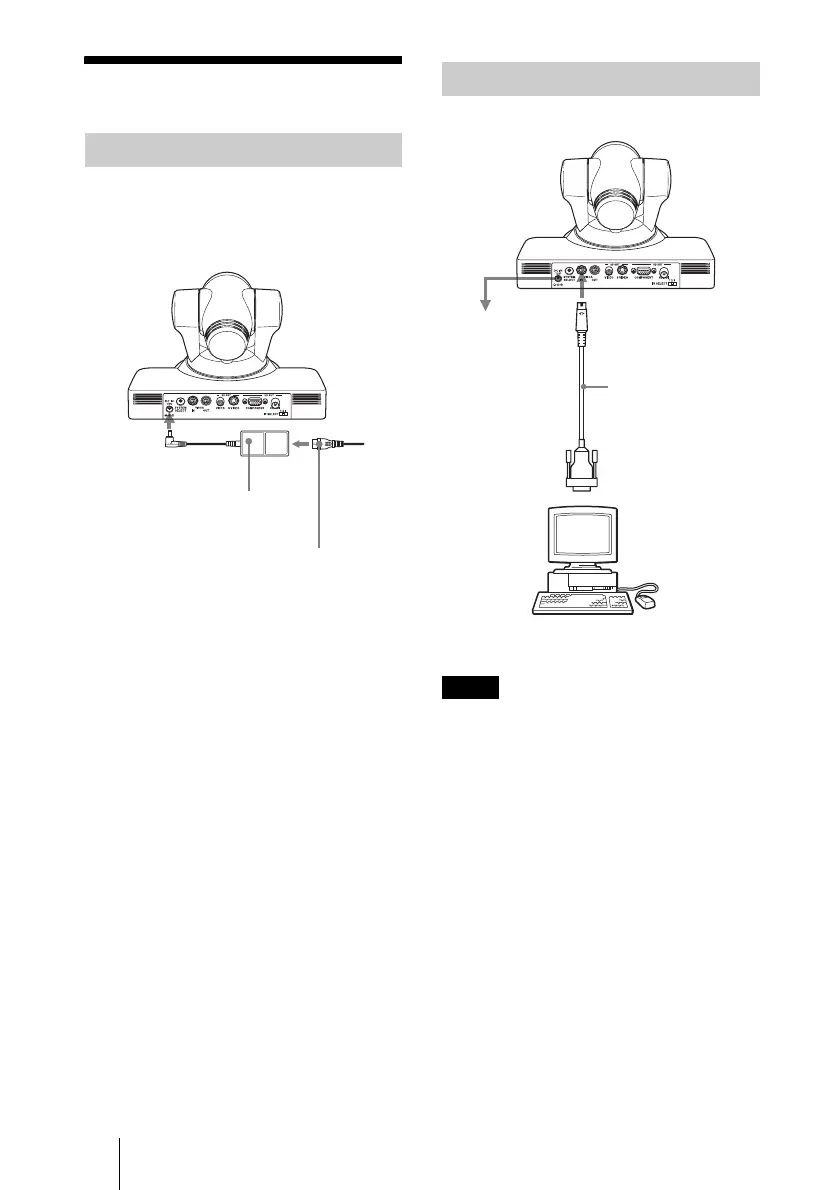
Use the supplied AC power adaptor and AC
power cord to connect the camera to an AC
outlet.
When you connect a computer to the camera
using the VISCA cable (RS-232C cross
cable), you can control the camera from a
computer instead of the supplied Remote
Commander.
To obtain a cable, consult with your Sony
dealer. For detailed information on how to
connect the camera and the VISCA
command list, refer to the Technical Manual
of the camera. For detailed information on
how to get the Technical Manual, consult
with your Sony dealer.
Connecting to an AC Outlet
AC power adaptor
(supplied)
to AC
outlet
DC IN 12V
AC power cord (supplied)
Connecting a Computer
Note
VISCA cable
(not supplied)
VISCA IN
to AC outlet
to RS-232C input
Computer











 To Next Page