GB
44
3
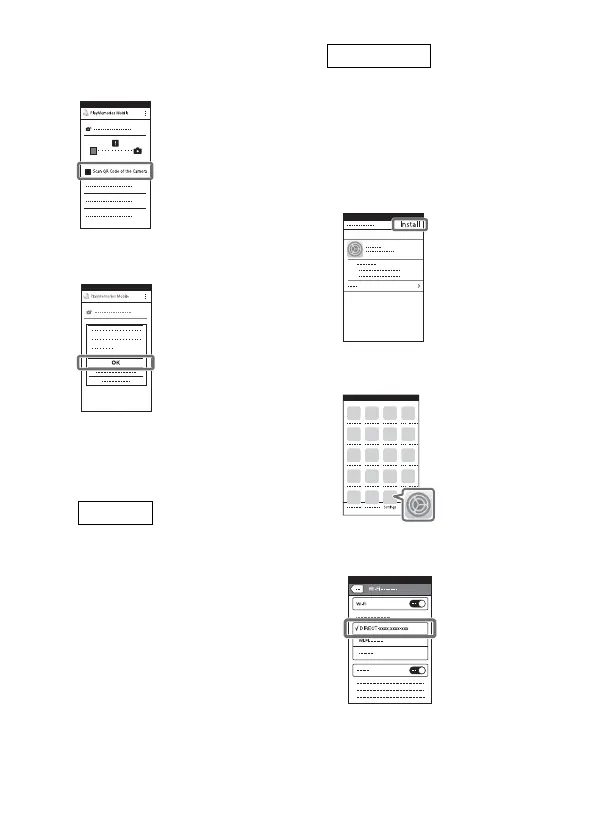
Select [Scan QR Code of the
Camera] from the screen of
PlayMemories Mobile.
4
Select [OK]. (If a message
appears, select [OK] again.)
5
With your smartphone, read
the QR Code displayed on
the LCD monitor of the
camcorder.
Perform the following
operations.
When [Connect with the
camera?] is displayed, select
[Connect].
Perform the following
operations.
Follow the on-screen
instruction and install the
profile (setting information).
• If you are required to enter the
pass code during installation,
enter it set to the iPhone.
On Home, select [Settings]
[Wi-Fi].
Select the SSID of the
camcorder.



 To Next Page