15
GB
NAS-E35HD.GB.3-292-247-11(1)
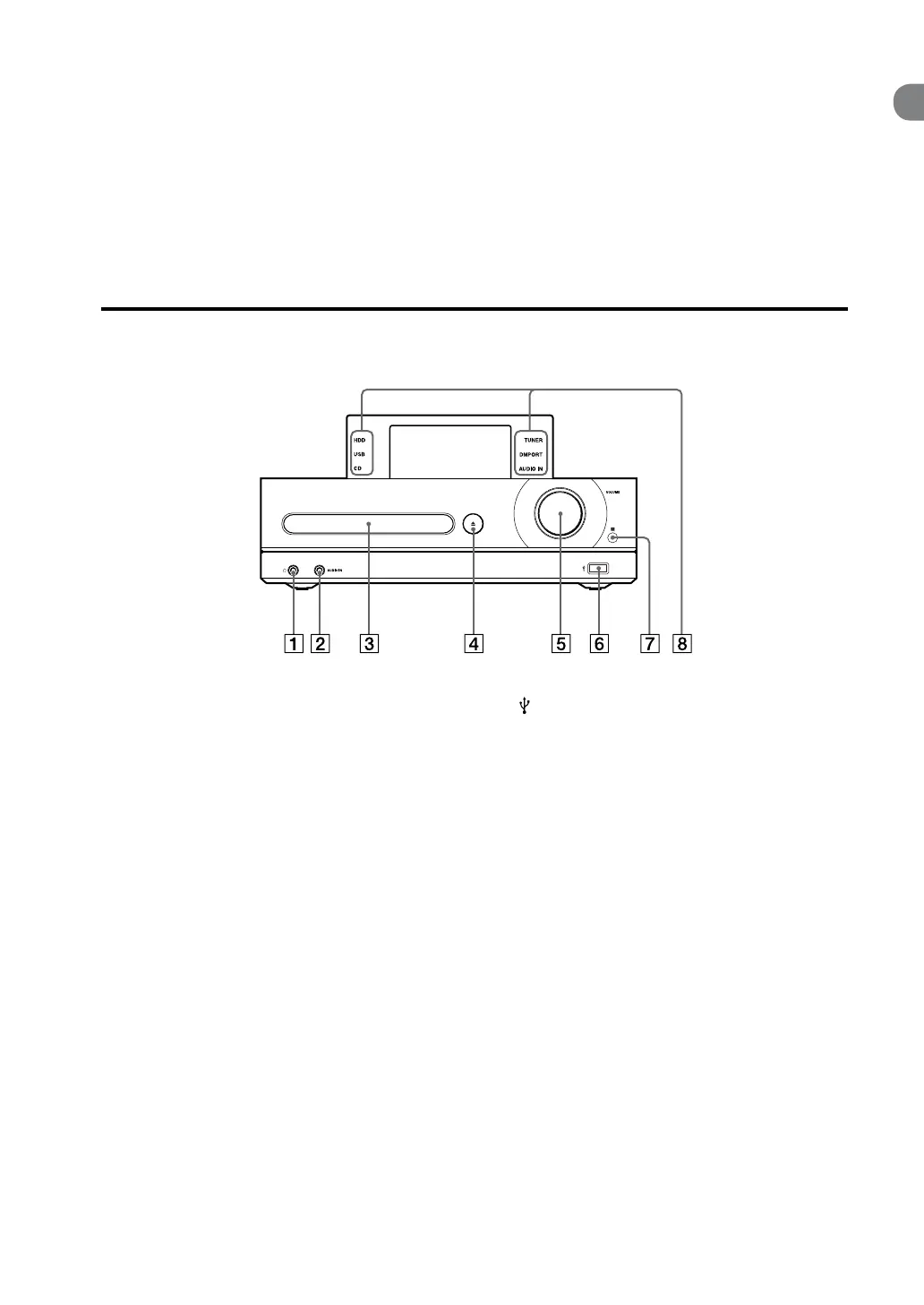
(headphones) jack
Use to connect headphones.
AUDIO IN jack
Use to connect the audio output jack of an
external component (page 36).
Disc tray
Use to load a CD (page 30).
CD button
Opens and closes the disc tray (page 30).
VOLUME dial
Use to adjust the volume.
Front of the main unit
(USB) port
Use to connect a USB device (pages 24, 34).
Remote sensor
Function indicators
Lights up to indicate the selected function.
HDD REC button
Use for recording to the HDD Jukebox (pages
23, 54).
OPTIONS button
Displays the Option menu (page 17).
Menu items will vary according to the
selected function.
BACK button
Use to go back to the previous display (pages
16, 54).



 To Next Page