22
GB
NAS-E35HD.GB.3-292-247-11(1)
Importing and transferring audio data
About importing and transferring audio data
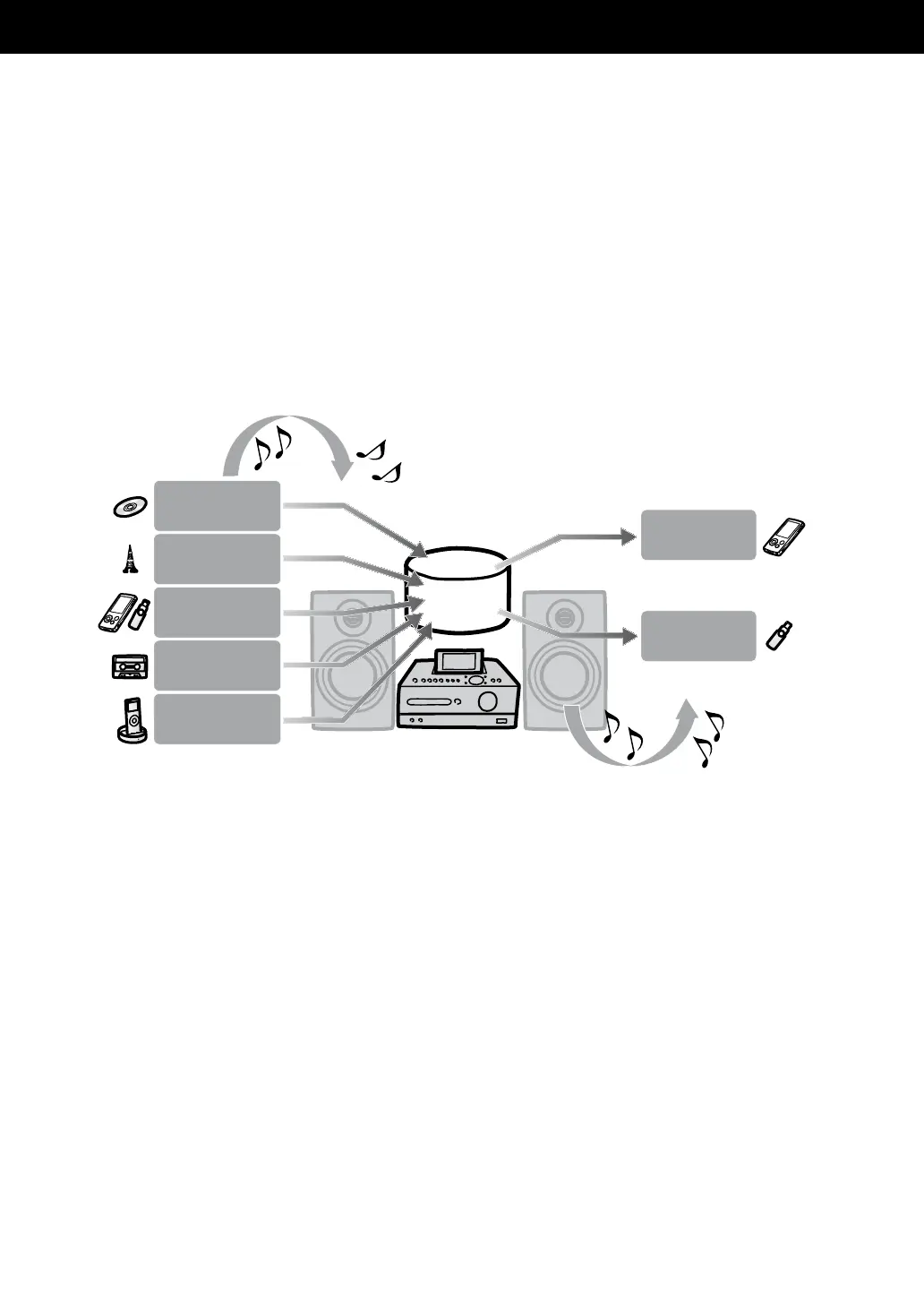
is unit allows you to import audio data to the HDD Jukebox from various sources and to manage the
data.
You can also transfer audio data to a USB device (digital music player or USB storage device).
Please note that you cannot transfer audio data directly from a CD or the radio to the USB device. To do
this, you must rst import or record the audio data to the HDD Jukebox, and then transfer the data from
the HDD Jukebox to the USB device.
For details on which USB devices are compatible, see page 71.
Import/record audio data to the HDD Jukebox
Transfer audio data from the HDD Jukebox
Audio CDs
FM/AM/DAB*
USB device
Digital music
player (DMPORT)
USB storage
device
Digital music
player
Hard disk drive
(HDD)
* For the UK model only
External component
(AUDIO IN)
USB devices



 To Next Page