17
GB
NAS-E35HD.GB.3-292-247-11(1)
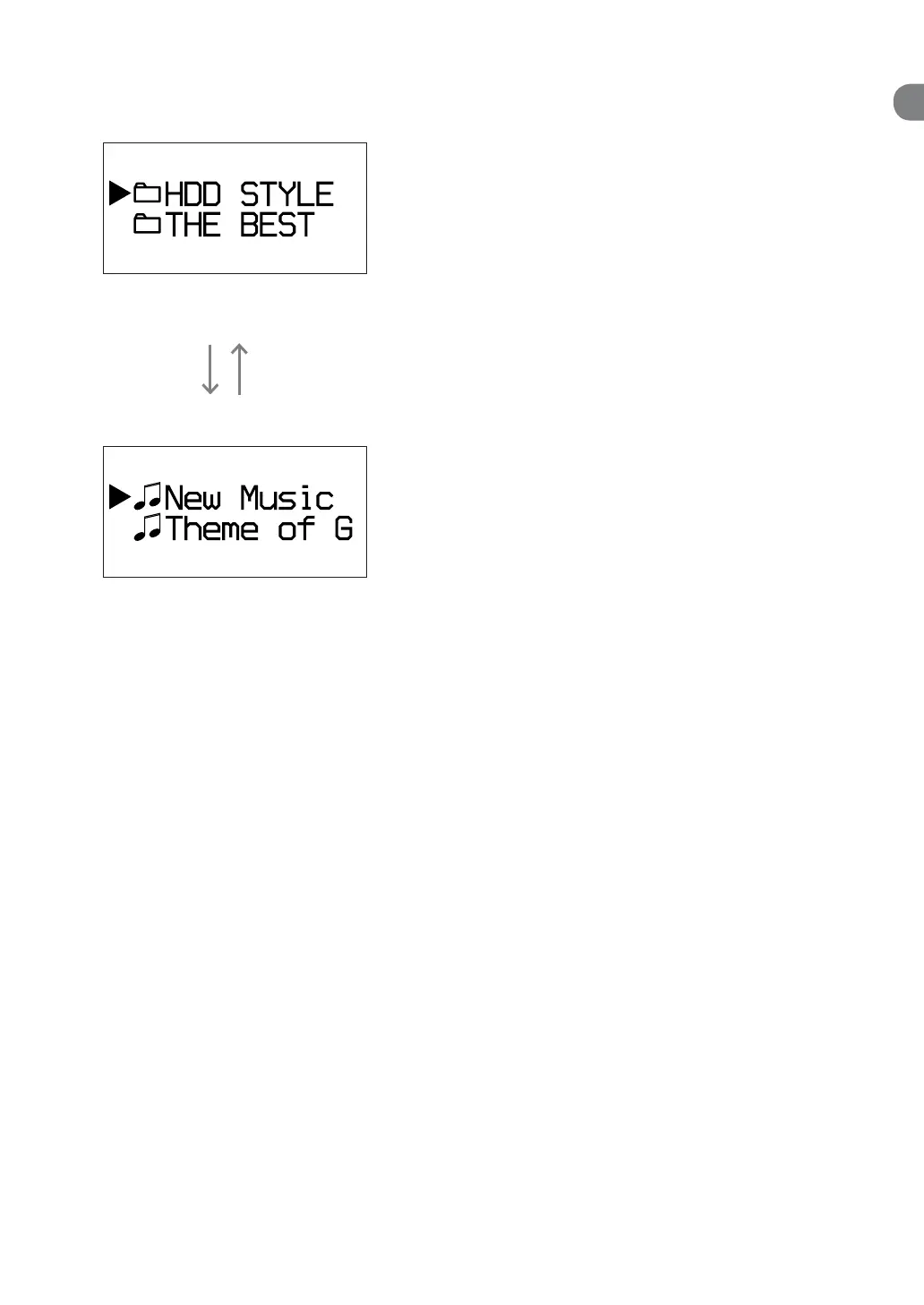
Data structure on an MP3 disc or a USB device
1st directory (Folder directory)
Press / to select the desired folder, and then press
ENTER to go to the next directory.
Press ENTER. Press BACK.
2nd directory (Track directory)
e tracks in the selected folder appear.
To select the function
Press the FUNCTION button.
Each press of the button changes the function as
follows.
TUNER DMPORT AUDIO IN HDD
USB CD TUNER ...
How to operate the Option menu
1
Press OPTIONS.
e unit enters the Option menu.
2
Press
/
to select the desired item.
3
Press ENTER.



 To Next Page