31
GB
NAS-E35HD.GB.3-292-247-11(1)
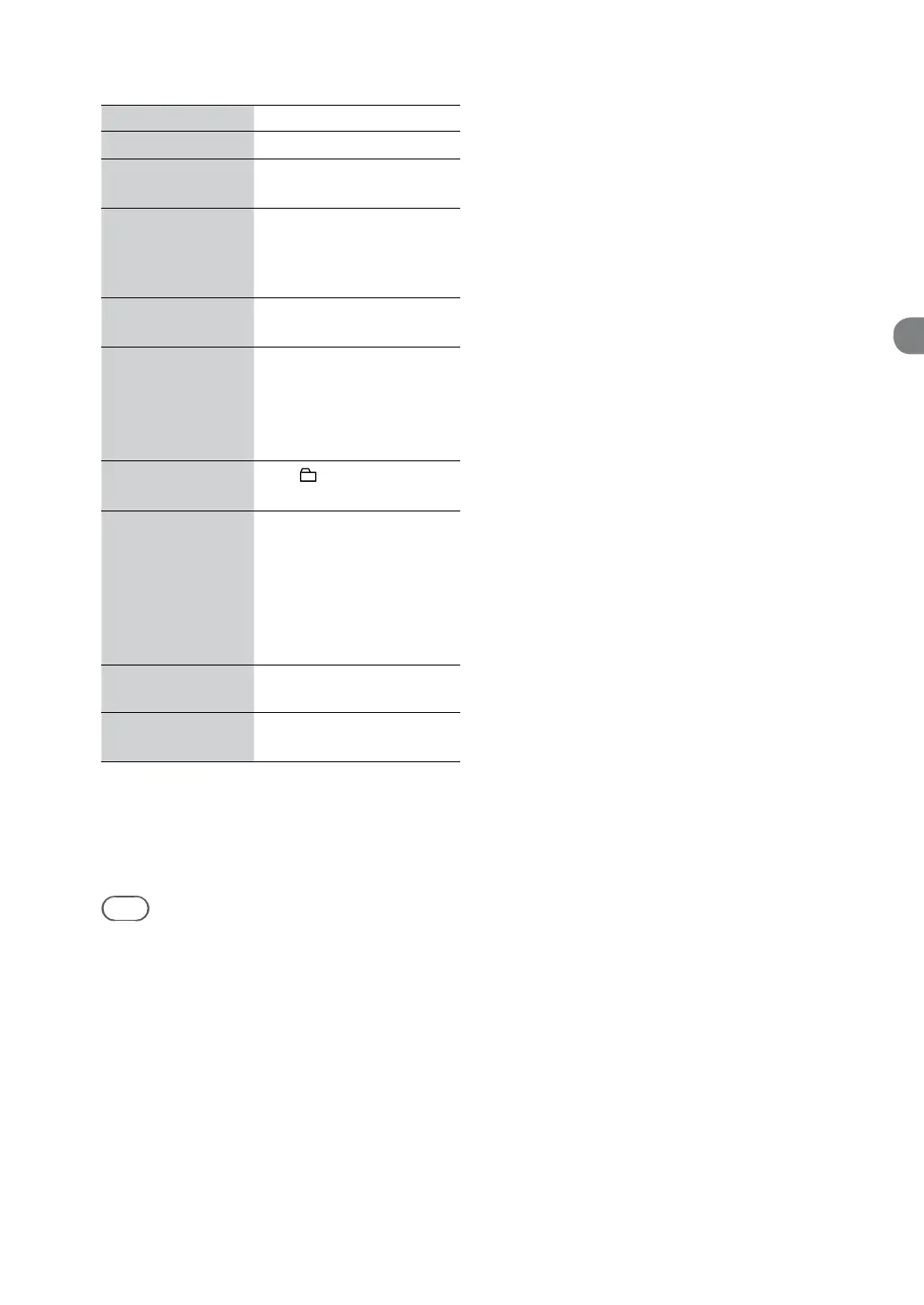
Other operations
To Do the following
Stop playback
Press .
Pause playback
Press . Press again or
to resume playback.
Find a point in a
track
Press and hold down
/ during playback,
and release it at the desired
point.
Select the previous/
next track
Press / during
playback.
Select a track
Press /// to
select a track. Or press the
corresponding numeric
button*
1
, and then press
ENTER.
Select a folder
(MP3 disc only)
Press +/– to select a
folder.
Switch the time
information display
(audio CD only)
During playback, press
DISPLAY repeatedly. Each
press changes the time
information as follows.
Elapsed time remaining
time of a track
remaining time on a disc*
2
Check the track
information
During playback, press
DISPLAY.
Remove the disc
Press CD on the main
unit.
*
1
For numbers from 10 onward, press a numeric button for
each digit (e.g., for 124: press [1], [2] and [4]).
*
2
e remaining time on a disc cannot be displayed during
shue play or program play.
Tips
If title information cannot be obtained, use the Title
Update function to add titles (page 41).
To select another title for a disc for which multiple
matches were found in the unit’s database (step 1 on
page 30), press OPTIONS, press / to select “CD
Info”, and then select the title.
Notes on playing MP3 disc
Do not save other types of les or unnecessary
folders on a disc that has MP3 les.
Folders that have no MP3 les are skipped.
MP3 les are played back in alphabetical order.
e unit can only play MP3 les that have a le
extension of “.mp3”.
If there are les on the disc that have the “.MP3” le
extension, but that are not MP3 les, the unit may
produce noise or may malfunction.
e maximum number of :
— MP3 folders is 255 (including the root folder).
— MP3 les is 511.
— MP3 les and folders that can be contained on a
single disc is 512.
— folder levels (the tree structure of les) is 8.
Compatibility with all MP3 encoding/writing
soware, recording device, and recording media
cannot be guaranteed. Incompatible MP3 discs may
produce noise or interrupted audio or may not play
at all.
Notes on playing multisession discs
If the disc begins with a CD-DA (or MP3) session, it
is recognized as a CD-DA (or MP3) disc, and other
sessions are not played back.
A disc with a mixed CD format is recognized as a
CD-DA (audio) disc.



 To Next Page