48
GB
NAS-E35HD.GB.3-292-247-11(1)
2
Press
/
to select the item, and
then press ENTER.
Do one of the following.
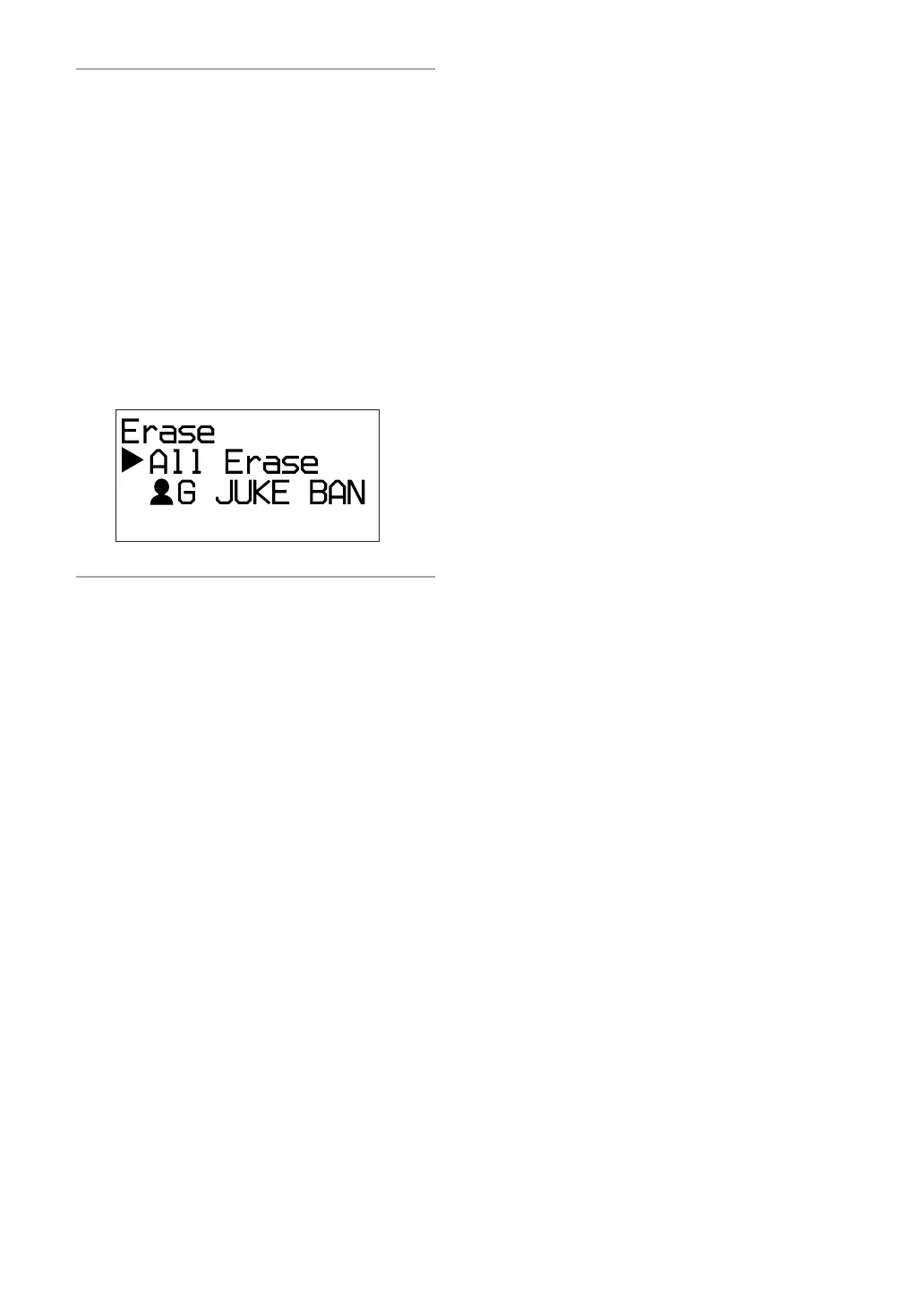
To erase the entire contents of the HDD
Jukebox:
Select “All Erase”.
To erase an album:
Select the artist whose album you want
to erase, select the album, and then select
“All Track”.
To erase a track:
Select the artist whose track you want to
erase, select the album that contains the
track, and then select the track.
3
Press
/
to select “OK?”, and then
press ENTER.



 To Next Page