31
Recording/Playback
You can magnify images from about 1.1 to
5 times (from about 1.5 to 5 times in still
images) the original size.
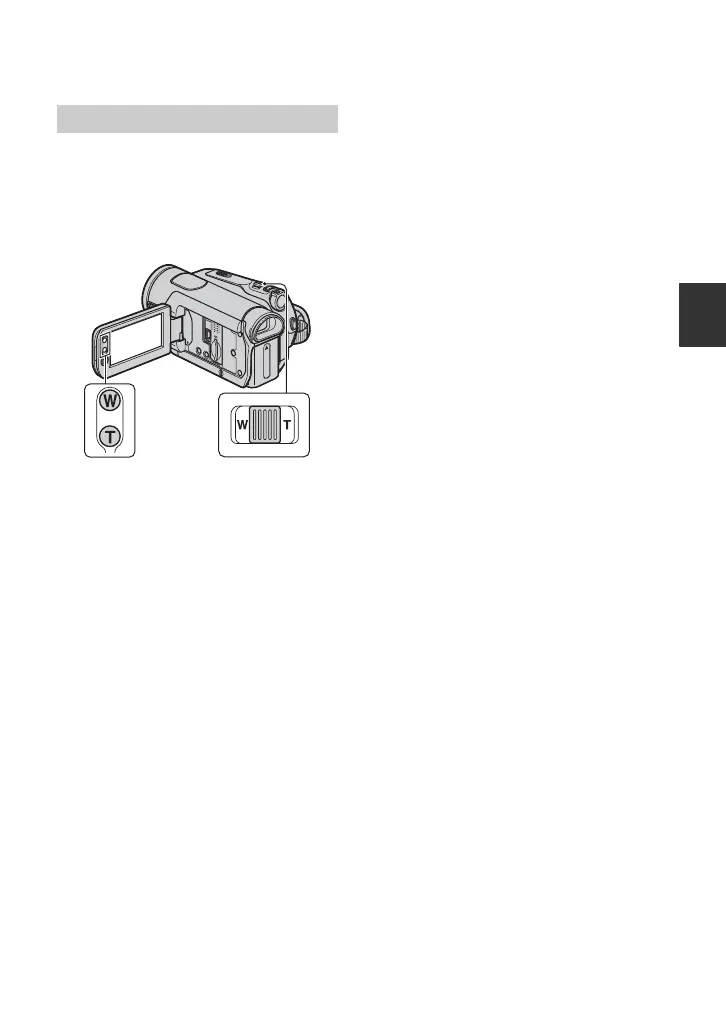
Magnification can be adjusted with the
power zoom lever or the zoom
buttons on the LCD panel.
1 Play back the picture you want to
magnify.
2 Magnify the picture with T (Telephoto).
3 Touch the screen at the point you want
to display in the center of the displayed
frame.
4 Adjust the magnification with W (Wide
angle)/T (Telephoto).
To cancel, touch [END].
Using PB zoom


 To Next Page