EasyManua.ls Logo

Sony HCD-241 - Page 18

Sony HCD-241
24 pages
Print Icon
To Next Page IconTo Next Page
To Previous Page IconTo Previous Page
Loading...
Playing
in
a
Desired
Order
Program
Play
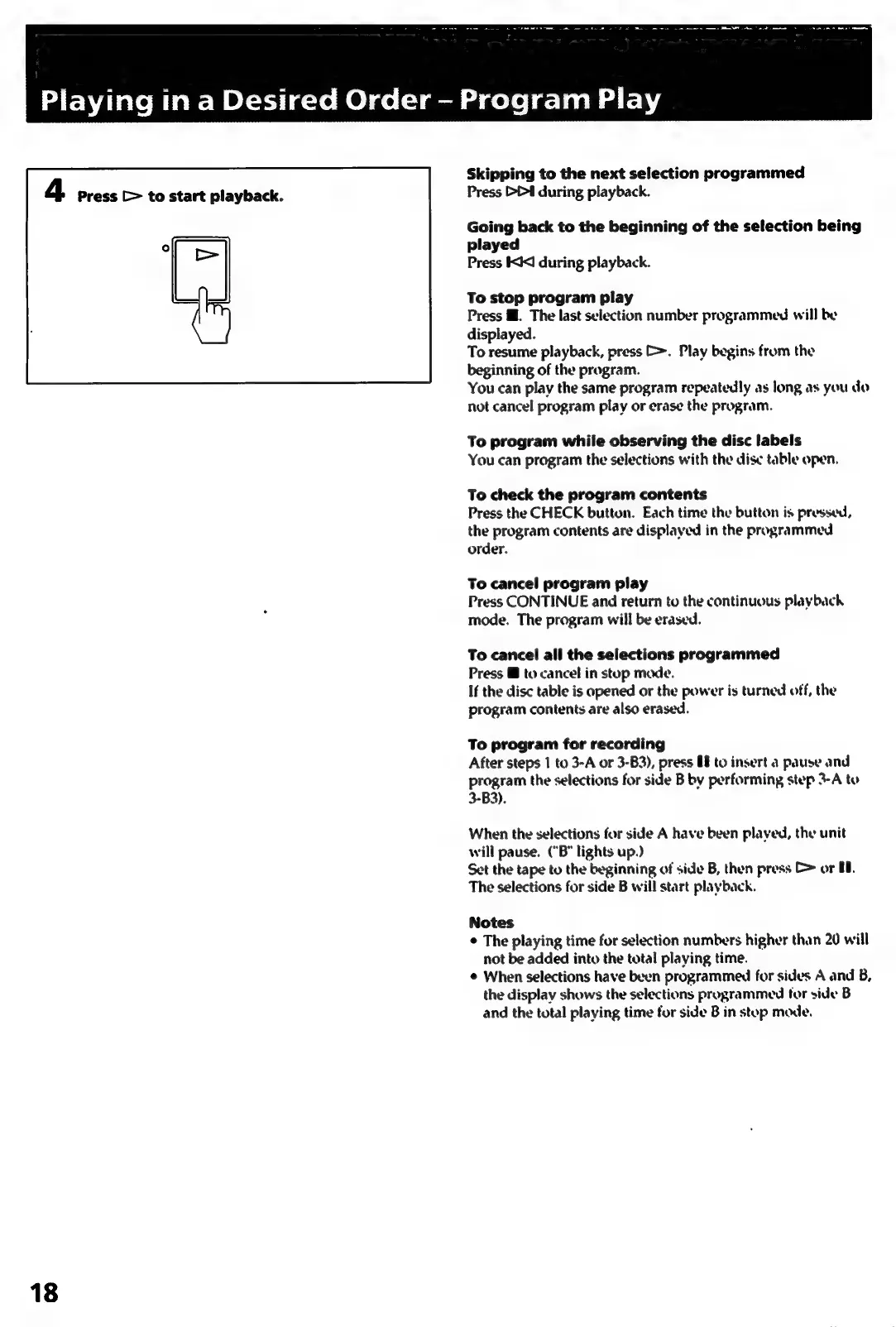
4
Press
[>
to
start
playback.
18
Skipping
to
the
next
selection
programmed
Press
DD1
during
playback.
Going
back
to
the
beginning
of
the
selection
being
played
Press
KCI
during
playback.
To
stop
program
play
Press
Mf.
The
last
selection
number
programmed
will
be
displayed.
To
resume
playback,
press
&.
Play
begins
from
the
beginning
of
the
program.
You
can
play
the
same
program
repeatedly
as
long
as
you
do
not
cancel
program
play
or
erase
the
program.
To
program
while
observing
the
disc
labels
You
can
program
the
selections
with
the
dise
table
open.
To
check
the
program
contents
Press
the
CHECK
button.
Each
time
the
button
is
pressed,
the
program
contents
are
displayed
in
the
programmed
order.
To
cancel
program
play
Press
CONTINUE
and
return
to
the
continuous
playback
mode.
The
program
will
be
erased.
To
cancel
all
the
selections
programmed
Press
@
to
cancel
in
stop
made.
If
the
disc
table
is
opened
or
the
power
is
turned
off,
the
program
contents
are
also
erased.
To
program
for
recording
After
steps
1
to
3-A
or
3-B3),
press
U8
to
insert
a
pause
and
program
the
selections
for
side
B
by
performing
step
3-A
to
3-B3).
When
the
selections
for
side
A
have
been
played,
the
unit
will
pause.
(“B"
lights
up.)
Set
the
tape
to
the
beginning
of
side
B,
then
press
C
or
10.
The
selections
for
side
B
will
start
playback.
Notes
¢
The
playing
time
for
selection
numbers
higher
than
20
will
not
be
added
into
the
total
playing
time.
¢
When
selections
have
been
programmed
for
sides
A
and
B,
the
display
shows
the
selections
programmed
tor
side
B
and
the
total
playing
time
for
side
B
in
stop
mode.

Related product manuals