14
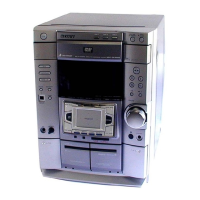
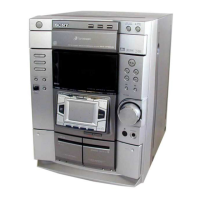
HCD-DP700
[Tape Deck Section]
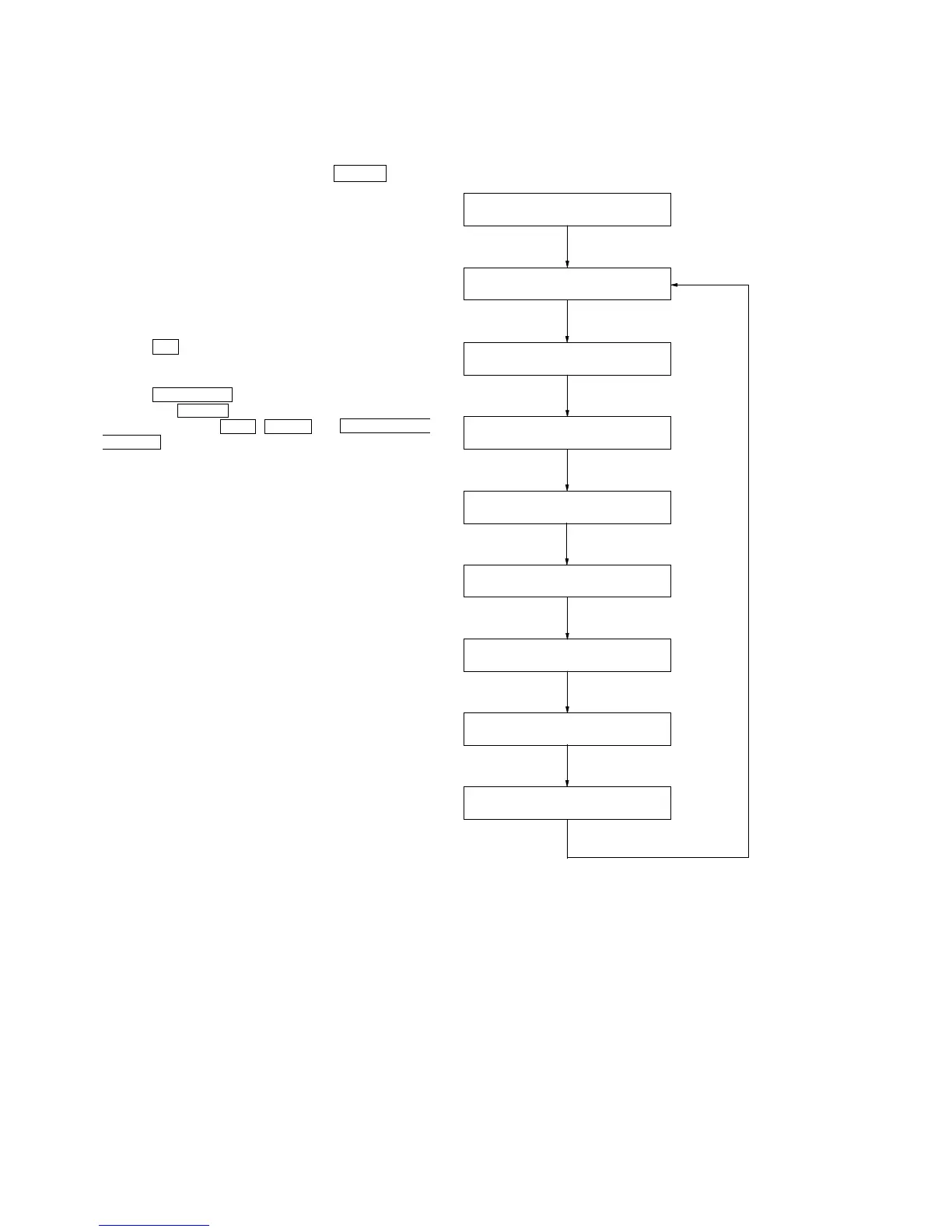
• The sequence during the aging mode is following as below.
• If an error occurred, stop display that step.
Aging mode sequence (Tape deck section):
6. When the check is complete, a message of either OK or NG
appears.
* To return to normal mode again.
1. When you want to exit this mode, press the POWER button.
2. The cold reset is enforced at the same time.
[Aging Mode]
This mode can for operation check of tape deck section and CD
section.
• If an error occurred:
The aging operation stops and display then status.
• If no error occurs:
The aging operation continues repeatedly.
Procedure:
1. Press the CD button to select the function “CD”.
2. Load the tapes into the decks A and B respectively.
3. Set a disk in “DISK1” tray.
4. Press the PLAY MODE button to set the “ALL DISCS” mode,
and press the REPEAT button to “REPEAT” off.
5. Press three buttons of STOP , ENTER , and DISC SKIP/EX-
CHANGE simultaneously.
6. The aging mode is activated, if the indicator of DOLBY NR is
blinking.
7. To exit from the aging mode, operate the cold reset.
FWD play the tape A
“TAPE A AG-2”
Fast forward the tape A
“TAPE A AG-3”
RVS play the tape A
“TAPE A AG-4”
Rewind the tape A
“TAPE A AG-5”
FWD play the tape B
“TAPE B AG-2”
Rewind the tape A and B
“TAPE A AG-1”
Fast forward the tape B
“TAPE B AG-3”
RVS play the tape B
“TAPE B AG-4”
Rewind the tape B
“TAPE B AG-5”
Shut off
2 minutes
Shut off or 20 seconds
2 minutes
Shut off
2 minutes
Shut off or 20 seconds
2 minutes
Shut off


 To Next Page