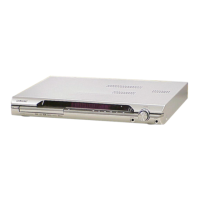
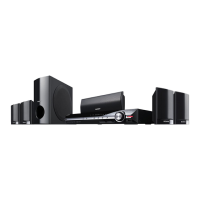
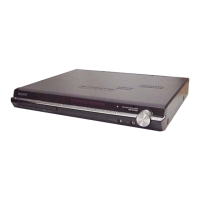
HCD-DZ30
5
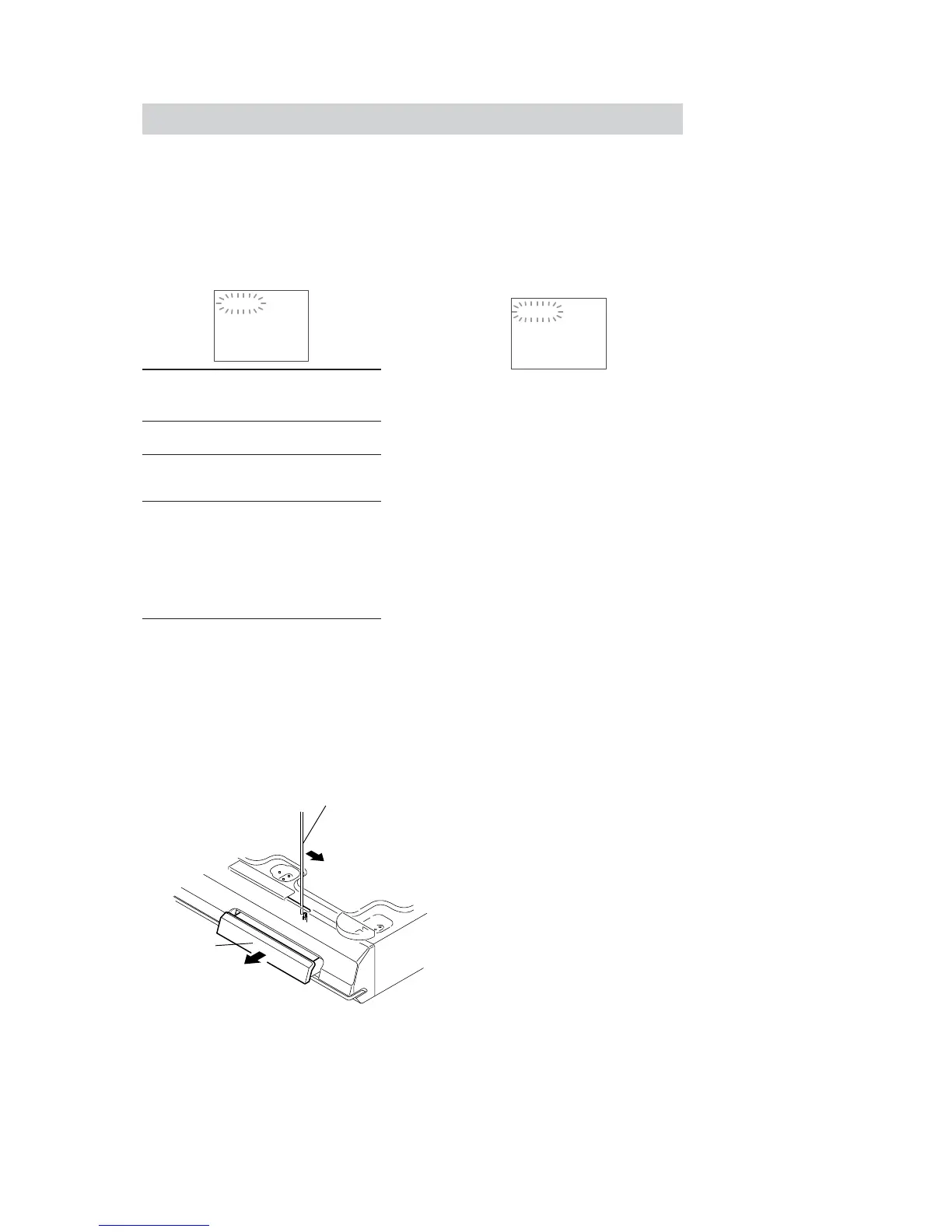
How to open the disc table when power switch turns off
Insert a tapering driver into the aperture of the unit bottom, and slide it in the direction of the arrow.
When the self-diagnosis function is activated to
prevent the system from malfunctioning, a 5-
character service number (e.g., C 13 50) with a
combination of a letter and 4 digits appears on
the TV screen or front panel display. In this case,
check the following table.
When displaying the version
number on the TV screen
When you turn on the system, the version
number [VER.X.XX] (X is a number) may
appear on the TV screen. Although this is not a
malfunction and for Sony service use only,
normal system operation will not be possible.
Turn off the system, and then turn on the system
again to operate.
Self-diagnosis Function
(When letters/numbers appear in the
display)
First 3
characters of
the service
number
Cause and/or corrective action
C 13 The disc is dirty.
Clean the disc with a soft cloth.
C 31 The disc is not inserted correctly.
Restart the system, then re-insert
the disc correctly.
E XX
(xx is a number)
To prevent a malfunction, the
system has performed the self-
diagnosis function.
Contact your nearest Sony
dealer or local authorized Sony
service facility and give the 5-
character service number.
Example: E 61 10
C:13:50
VER.X.XX
The lever is moved in the direction of the arrow with the thin rod.
DVD lid



 To Next Page