7
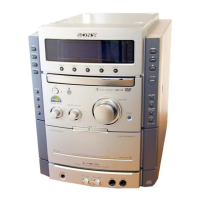
HCD-NE3
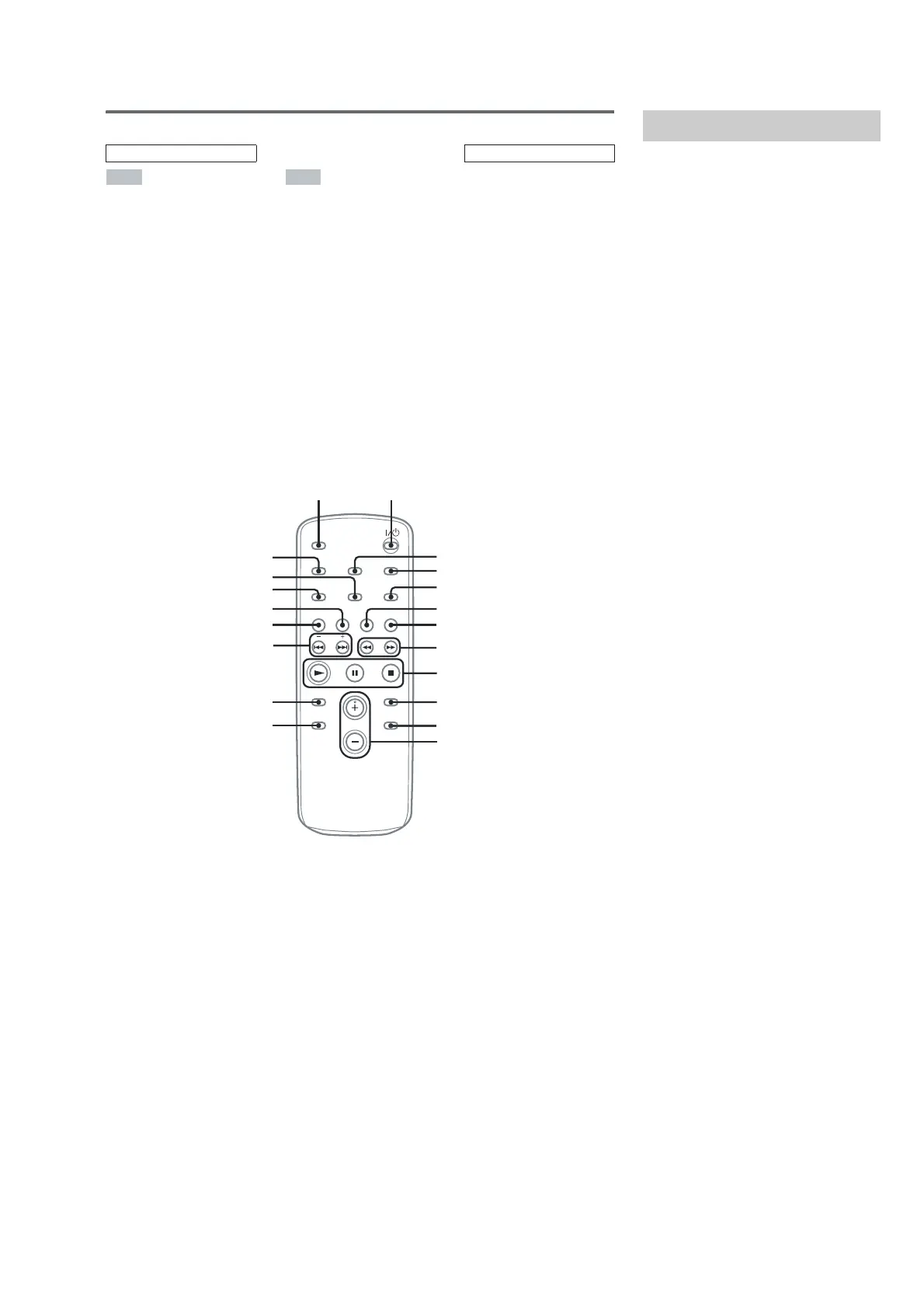
Use buttons on the remote for the operation.
1
Press ?/1 to turn on the system.
2 Press CLOCK/TIMER SET.
3 Press ./> repeatedly to set the
hour.
4 Press ENTER.
5 Press ./> repeatedly to set the
minute.
6 Press ENTER.
The clock starts working.
To adjust the clock
1 Press CLOCK/TIMER SET.
2 Press ./> until “CLOCK” appears,
then press ENTER.
3 Do the same procedures as step 3 to 6
above.
Note
The clock is not displayed in Power Saving Mode.
Setting the clock
Remote control
CD qh
CLEAR qd
CLOCK/TIMER SELECT 2
CLOCK/TIMERS ET 3
DISPLAY ql
ENTER 9
EQ qs
FM MODE 4
FUNCTION 6
PLAY MODE qk
REPEAT 4
SLEEP w;
TAPE qg
TUNER/BAND 5
TUNER MEMORY qj
TUNING MODE qk
VOLUME +/− 0
?/1 (power) 1
m/M (rewind/fast forward)
7
./> (go back/go forward)
qf
x (stop) 8
X (pause) 8
N (play) 8
+/− (tuning) qf
ALPHABETICAL ORDER
A – O P – Z
BUTTON DESCRIPTIONS
4
5
6
7
8
9
w; 1
qd
qs
ql
qk
qj
qh
qg
qf
0
3
2
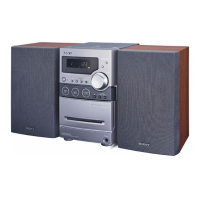
CMT-NE3
* Button does not function with this model.
*


 To Next Page