13
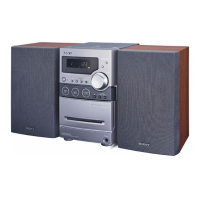
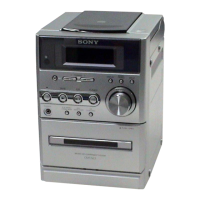
HCD-NE3
TUNER STEP CHANGE-OVER
* Either the 9 kHz step or 10 kHz step can be selected for the
AM channel step.
Procedure:
1. Set the FUNCTION to AM, and press the I/1 button to turn
the power off.
2. While depressing the TUNING + M > button, press
the I/1 button.
3. The message “9K STEP” or “10K STEP” is displayed on the
liquid crystal display, and thus the channel step is changed
over.


 To Next Page