EasyManua.ls Logo

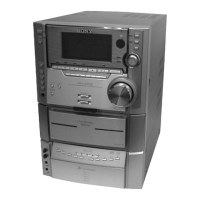
Sony HCD-V8800 - Disassembly Procedures; Front Panel Disassembly

Sony HCD-V8800
77 pages
Print Icon
To Next Page IconTo Next Page
To Previous Page IconTo Previous Page
Loading...
— 7 —
SECTION 3
DISASSEMBLY
Note: Follow the disassembly procedure in the numerical order given.
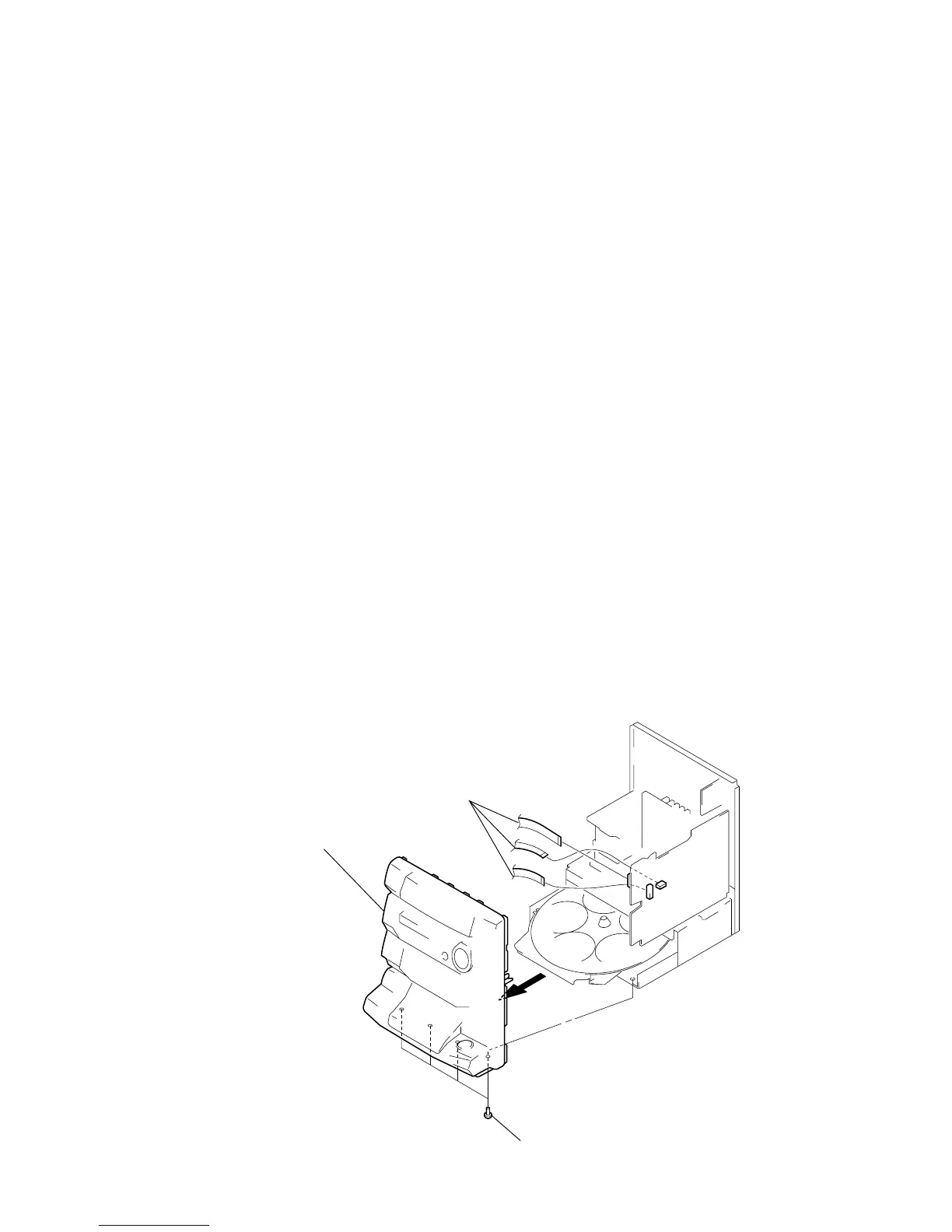
3-1. FRONT PANEL
1
Three flat type wires
(CN401, CN402, CN701)
3
Front panel
2
Four screws (BVTP3x8)
LOCATION OF PARTS AND CONTROLS
1 POWER button
2 DISPLAY/DEMO button
3 SPECTRUM ANALYZER button
4 Display Window
5 ENTER/NEXT button
6 TUNER MEMORY button
7 TUNING MODE button
8 TUNER/BAND button
9 TUNING (+/–) button
STEREO/MONO button
SLEEP button
!™ DAILY 2 button
DAILY 1 button
t/CLOCK SET button
!∞ REC button
WAVE button
DSP button
!• Equalizer indicators
PRO LOGIC button
EFFECT button
GROOVE button
@™ FUNCTION button
VOLUME control
SUPER WOOFER button
@∞ SUPER W MODE button
GEQ control buttons
GEQ CONTROL button
@• ENTER button
P FILE MEMORY button
# button
KEY CONTROL indicator
#™ ˜ button
KARAOKE PON/MPX button
PHONES jack
#∞ ECHO LEVEL knob
MIC 1, MIC 2 jacks
MIC LEVEL knob
#• Deck B ª, · button
Deck B 0, ) button
Deck B r REC button
Deck B P button
$™ CD SYNC button
Deck B 6 EJECT button
H SPEED DUB button
$∞ Deck B p button
Deck A 0, ) button
Deck A 6 EJECT button
$• DOLBY NR button
DIRECTION button
Deck A p button
Deck A ª, · button
%™ 6 OPEN button
CD · button
CD p button
%∞ CD P button
DISC SKIP button
CD FLASH button
%• 1/ALL DISCS button
PLAY MODE button
CD 0, ) button
REPEAT button
^™ AMS ± dial
EDIT button
NEXT button
^∞ AUTO PBC indicator
PREV button
PBC indicator
^• ˆ RETURN button
VCD indicator
CD LOOP button
CD NON-STOP button
&™ DISC1-DISC5 buttons

Related product manuals