54
Menu List
<BLACK SHADING>
M03
V SAW R/G/B: –99 to +99, 0 R, G, and B values can be independently set.
M (master) value can also be set for BLACK.
V PARA R/G/B: –99 to +99, 0
H SAW R/G/B: –99 to +99, 0
H PARA R/G/B: –99 to +99, 0
BLK SET R/G/B: –99 to +99, 0
BLACK R/G/B/M: –99 to +99, 0
MASTER GAIN –6, –3, 0, 3, 6, 9, 12 dB
AUTO BLACK
SHADING
Execute via ENTER.
2D BLACK SHADING ON
, OFF
<OHB MATRIX>
M04
PHASE 0
, 23, 45, 68, 90, 113, 135, 158,
180, 203, 225, 248, 270, 293, 315,
338
Selects an axis (angle) at PHASE for which the
OHB matrix adjustment is to be made, and set HUE
and SAT. (HUE and SAT can be adjusted
independently for 16 axes.)
HUE –99 to +99, 0
SAT –99 to +99, 0
ALL CLEAR Execute via ENTER. Clears the HUE and SAT values for all PHASE
settings.
OHB MATRIX ON, OFF
MATRIX ON, OFF
<AUTO IRIS>
M05
AUTO IRIS ON, OFF, (ON), (OFF) Settings in ( ): When a remote control unit/panel or a
CCU is not connected (cannot be changed)
WINDOW 1
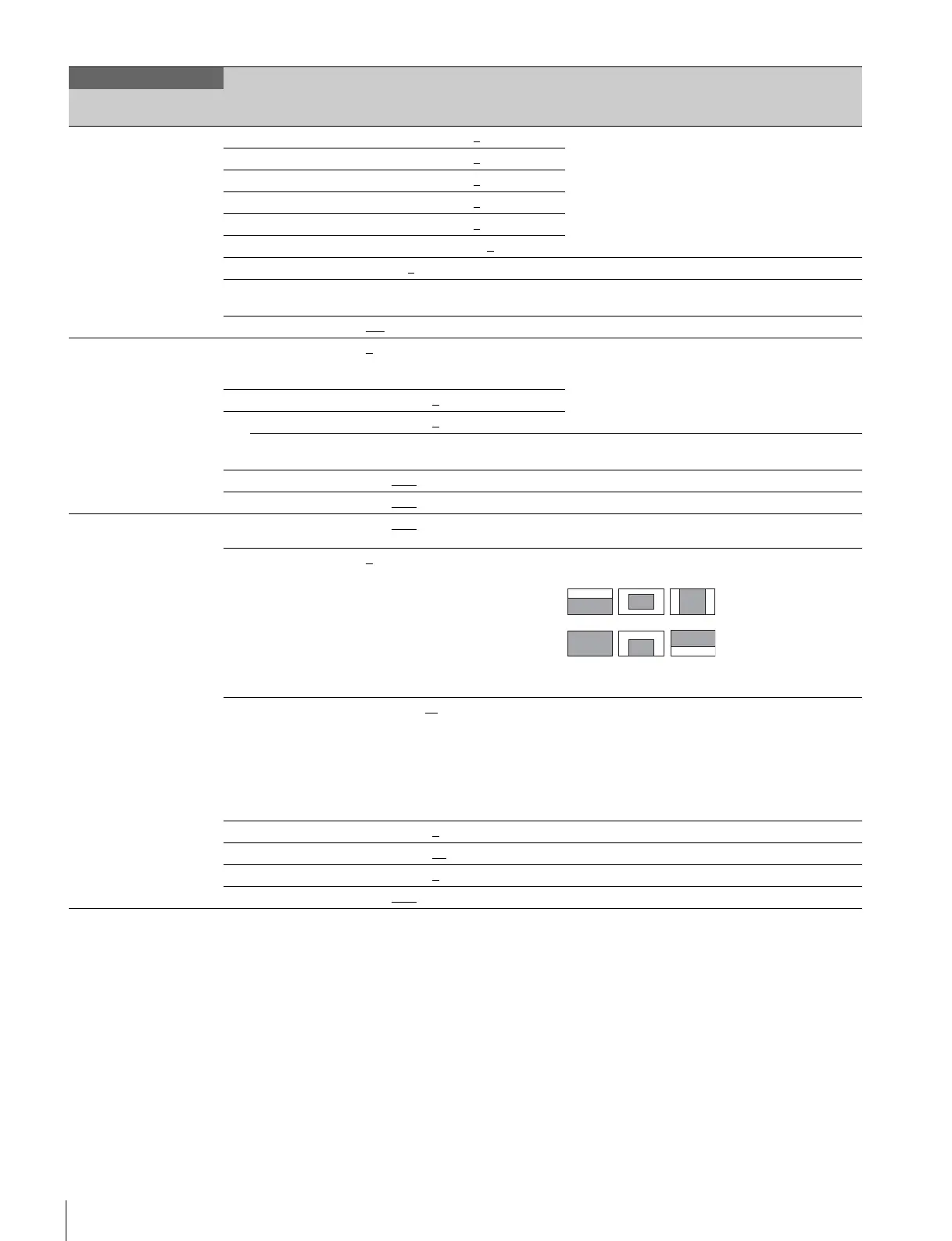
, 2, 3, 4, 5, 6 Selects the auto iris windows:
The shaded parts indicate the area where light
detection occurs.
OVERRIDE –99 to 99, ---
Sets the override to temporarily change the
reference value for brightness of the automatic iris
level in the range of ±2 steps:
–99: Two steps to fully closed iris.
99: Two steps to fully opened iris.
--- : OFF
The setting returns to “ --- ” when the power is
turned off.
IRIS LEVEL –99 to +99, 0
±4 steps
APL RATIO –99 to +99, 65
IRIS GAIN –99 to +99, 0
IRIS CLOSE ON, OFF
MAINTENANCE
Page title
PageNo.
Item Settings Description
123
456



 To Next Page