32
Menu Operations
For details, see OPERATION menu <‘!’ IND> (page 44).
d Light-receiving level indications (HDC2500/2400 only)
This area shows the light-receiving levels in segments.
CAM: Light-receiving level at the CCU connector (page 15) of
the camera
CCU: Light-receiving level at the CAMERA connector of the
CCU
Note
If a camera control unit other than an HDCU2000/2500 is
connected, correct indications may not be obtained.
Menu Operations
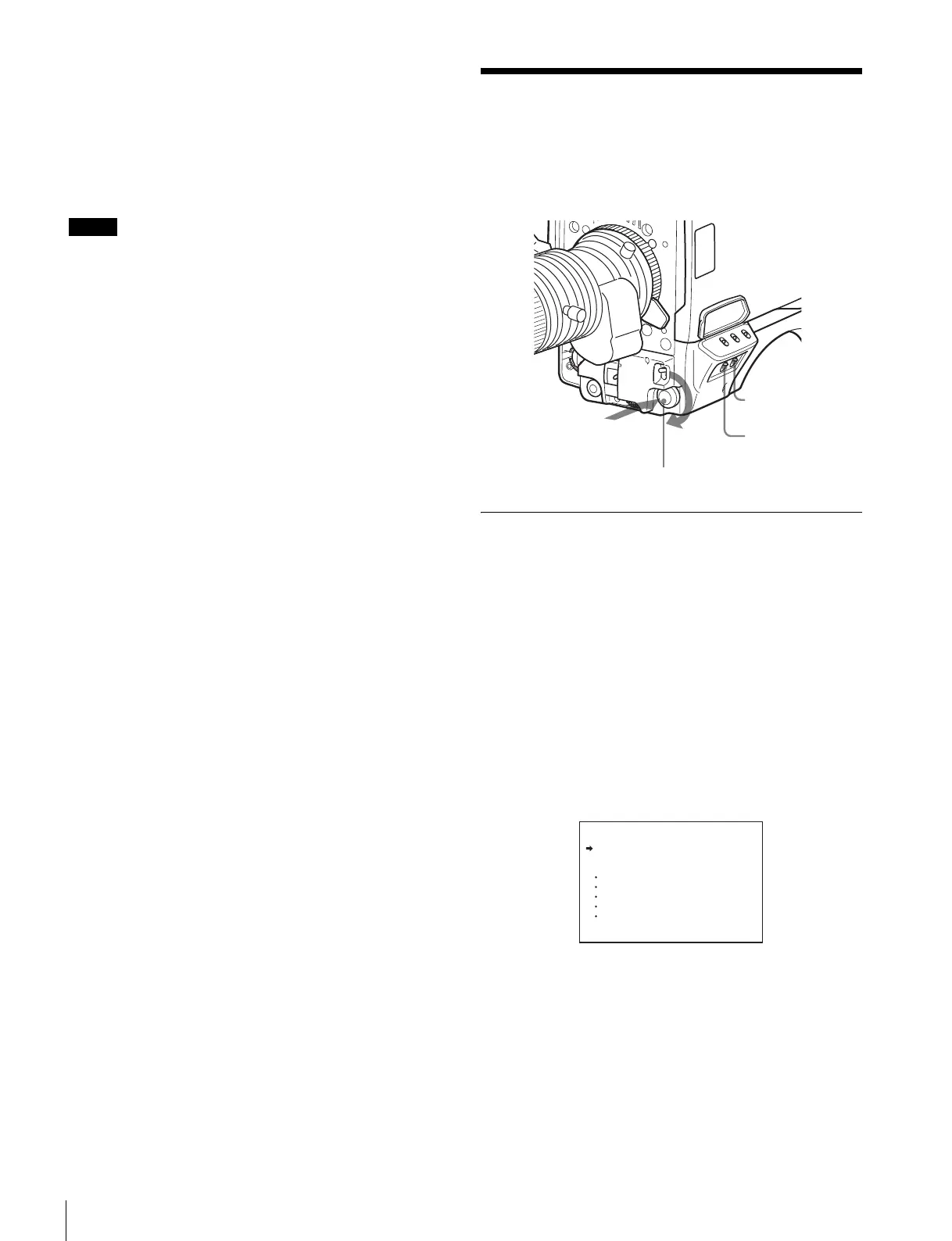
The menus displayed on the viewfinder screen enable various
settings of the camera.
The following controls are used to operate the menus.
Starting Menu Operations
To display a menu page
Set the DISPLAY switch from OFF to MENU.
The menu page that last operated will be displayed. (If it is the
first time, the CONTENTS page of the OPERATION menu will
be displayed.)
To display the TOP MENU screen
If you set the DISPLAY switch from OFF to MENU while
holding the MENU SEL knob/ENTER button pressed, “TOP” is
displayed at the upper right corner of the screen.
Selecting it displays the TOP MENU screen, which lists the
available menus, and you can select the menus on this
screen.
TOP MENU screen
To disable the “TOP” indication
Turn the power once off then on again, or set the DISPLAY
switch from OFF to MENU while holding the CANCEL/
STATUS switch pressed toward CANCEL. This disables the
TOP selection.
DISPLAY switch
CANCEL/STATUS
switch
MENU SEL knob/ENTER button
Push on
Rotate
<TOP MENU>
USER
USER MENU CUSTOMIZE
ALL
OPERATION
PAINT
MAINTENANCE
FILE
DIAGNOSIS



 To Next Page