23
HVR-A1E/A1P 2-639-668-11(1)
Recording/Playback
Playback
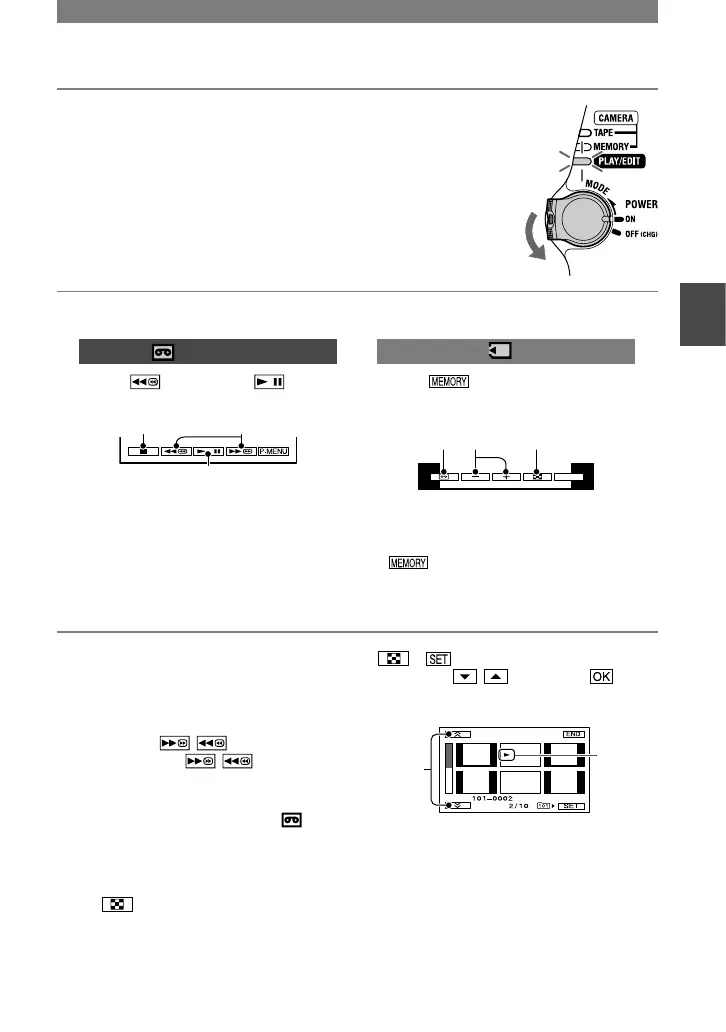
1 Slide the POWER switch in the direction of the arrow
repeatedly to turn on the PLAY/EDIT lamp.
To adjust the volume
Move the EXPOSURE/VOL lever up and
down to adjust the volume (p. 27).
To search for a scene during playback
Touch and hold / during playback
(Picture Search), or / while fast
forwarding or rewinding the tape (Skip
Scan).
• You can play back in various modes ([ VAR.
SPD PB], p. 56).
To display pictures on a “Memory
Stick Duo” on the Index screen
Touch . Touch the picture you want to
display in the single display mode.
To view pictures in other folders, touch
[PB FOLDER], select a
folder with / , then touch
(p. 52).
Index display screen
Stop
Play/Pause toggles as you touch it.*
Rewind/Fast forward
* Playback automatically stops if pause is
engaged for more than 3 minutes.
Still images
Touch .
The most recently recorded image is
displayed.



 To Next Page