73
Dubbing/Editing
HVR-A1E/A1P 2-639-668-11(1)
Marking images on the
“Memory Stick Duo” with
specific information
(Image protection/Print mark)
When you are using a “Memory Stick
Duo” with the write-protect tab, make sure
the write-protect tab on the “Memory Stick
Duo” is not set to the write-protect position
(p. 106).
Preventing accidental erasure
(Image protection)
You can select and mark images to prevent
accidental erasure.
1 Slide the POWER switch down to
turn on the PLAY/EDIT lamp.
2 Touch
[PROTECT].
3 Touch the image that you want to
protect.
2/ 1 0
10 1 –00 02
PROTECT
101
OK
appears.
4 Touch
[END].
• To cancel image protection, touch the image
again to cancel image protection in step 3.
Deleting recorded pictures
from the “Memory Stick
Duo”
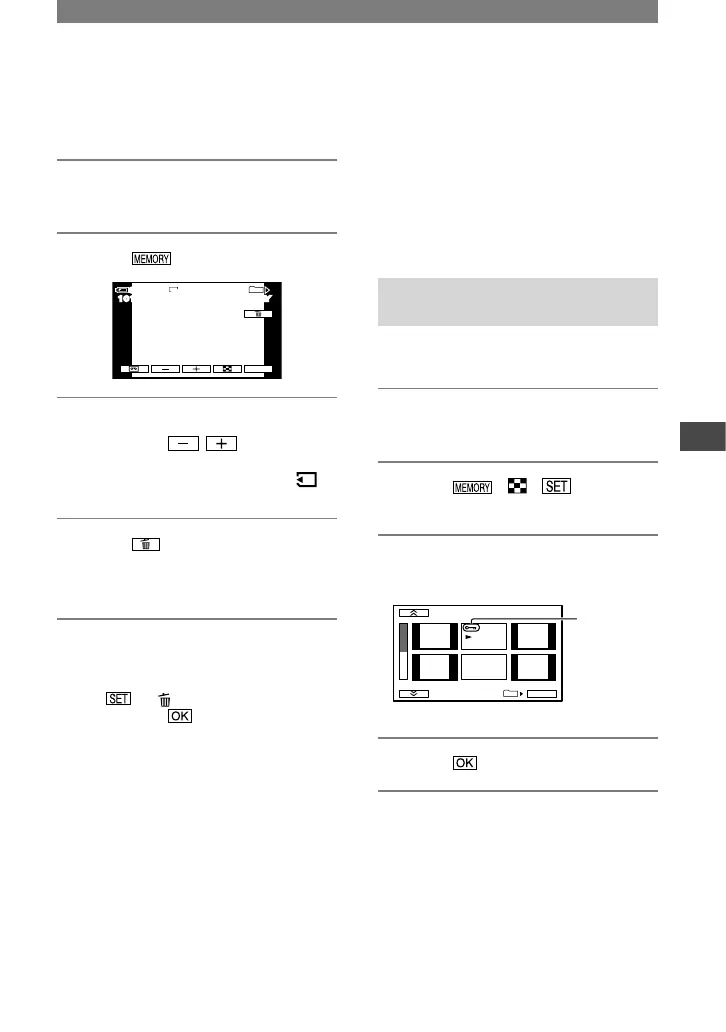
1 Slide the POWER switch down to
turn on the PLAY/EDIT lamp.
2 Touch .
101
2 / 1 0
10 1–0001
60 min
P-MENU
MEMORY PLAYMEMORY PLAY
1920
60 min
10 1–0001
3 Select a picture you want to
delete with / .
• To delete all pictures at once, select [
ALL ERASE] (p. 51).
4 Touch
[YES].
• The pictures cannot be restored once they
are deleted.
• You can delete pictures on the index screen (p.
23). You can easily search for the picture to be
deleted by displaying 6 pictures at once.
Touch [ DELETE] the picture you
want to delete [YES].
• Pictures cannot be deleted when a “Memory
Stick Duo” with the write-protect tab is set to
the write-protect position (p. 106), or when the
selected picture is protected (p. 73).
Continued



 To Next Page