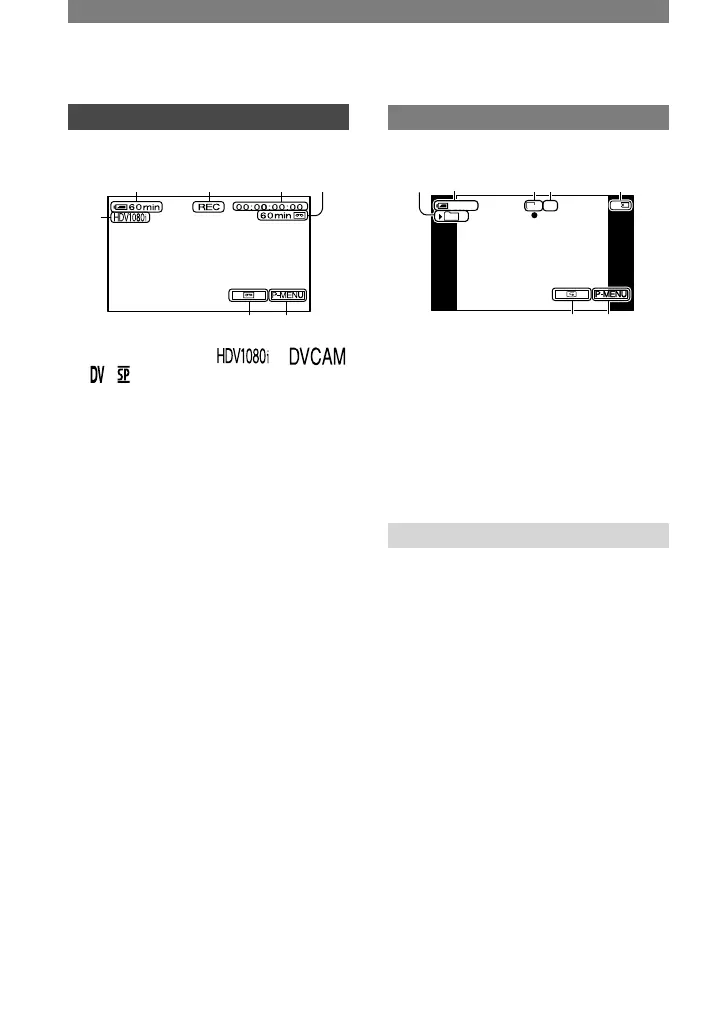
Recording format (
or
) (57)
Remaining battery (approx.)
Recording status ([STBY] (standby) or
[REC] (recording))
Time code or user bits
Recording capacity of the tape
(approx.) (64)
END SEARCH/Rec review display
switch button (31)
Personal Menu button (38)
Recording still images
Recording folder (52)
Image size (50)
Quality ([FINE] or [STD]) (49)
“Memory Stick Duo” indicator and the
number of images that can be recorded
(approx.)
Review button (22)
Data code during playback
The date/time during recording and the
camera setting data will be recorded
automatically. They do not appear on the
screen during recording, but you can check
them as [DATA CODE] during playback
(p. 64).



 To Next Page