66
HVR-A1E/A1P 2-639-668-11(1)
TIME/LANGU. menu
(CLOCK SET/WORLD TIME/LANGUAGE)
See page 38 for details on selecting
menu items.
CLOCK SET
See page 16.
WORLD TIME
When using your camcorder abroad, you
can set the time difference by touching
/ , the clock will be adjusted in
accordance with the time difference.
If you set the time difference to 0, the clock
returns to the originally set time.
LANGUAGE
You can select the language to be used on
the LCD screen.
For HVR-A1E:
You can select from German, Greek,
English, Simplified English, Spanish,
French, Italian, Dutch, Portuguese,
Russian, Arabic or Persian.
For HVR-A1P:
You can select from English, Simplified
English, Latin American Spanish,
Traditional-Chinese, Simplified-Chinese
or Thai.
• Your camcorder offers [ENG[SIMP]]
(simplified English) for when you cannot find
your native tongue among the options.
Customizing Personal
Menu
You can add desired menu items to
Personal Menu, and customize Personal
Menu settings for each POWER switch
position. This is convenient if you add
frequently used menu items to Personal
Menu.
Adding a menu item
You can add up to 28 menu items for each
POWER switch position. Delete a less
important menu item, if you want to add
more.
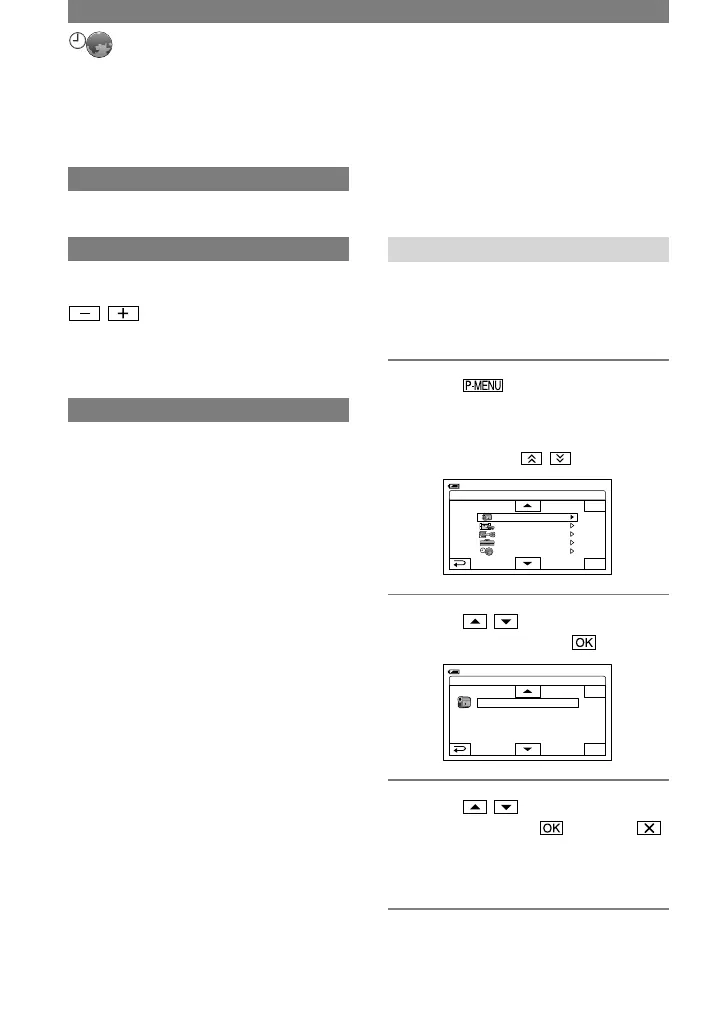
1 Touch
[P-MENU SET UP]
[ADD].
If the desired menu item is not
displayed, touch / .



 To Next Page