64
HVR-A1E/A1P 2-639-668-11(1)
• Screen indicators are not output from the analog
jacks when a marker is displayed.
• You can display all markers together by
selecting [ON].
COLOR BAR
You can display the color bar or record it
on the tape by setting [COLOR BAR] to
[ON]. It is convenient to adjust the color
on the monitor connected. You can also
set it with the ASSIGN button assigned to
[COLOR BAR] (p. 27).
OFF
Color bar is not displayed.
ON
Color bar is displayed.
Touch [TYPE1] (the default
setting) or [TYPE2] .
Touch [ON] .
TYPE1
The following color bar appears.
TYPE2
The following color bar appears.
DATA CODE
During playback, displays the information
recorded automatically (data code) during
recording.
OFF
Do not displayed.
DATE/TIME
Displays the date and time.
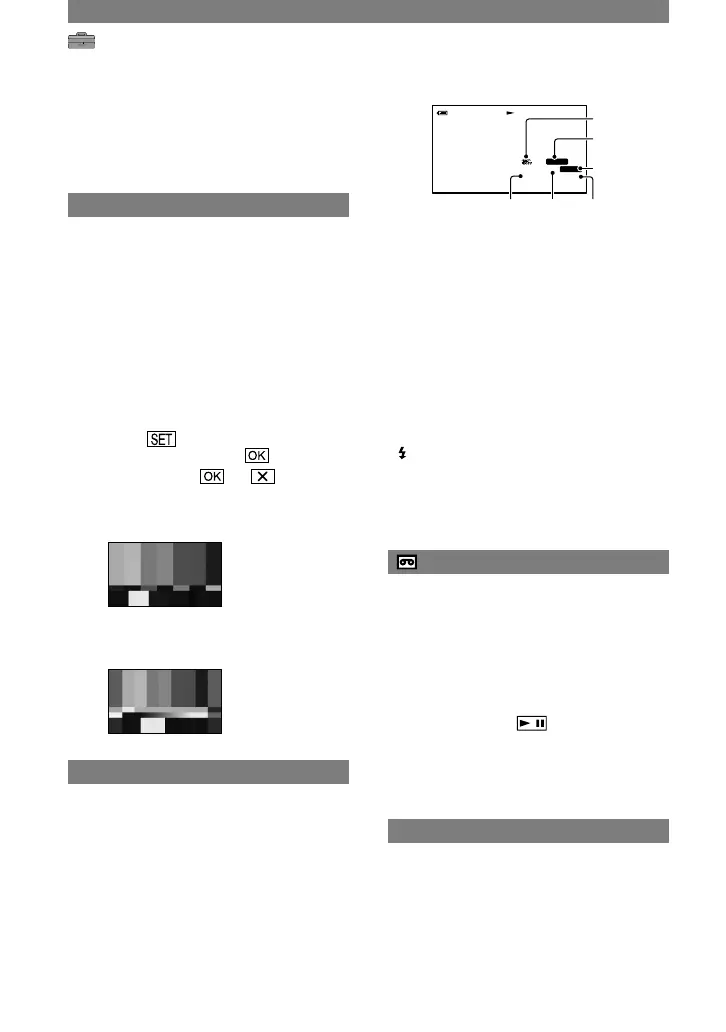
CAMERA DATA
Displays camera setting data.
SteadyShot off*
Exposure*
White balance*
Gain*
Shutter speed
Aperture value
* Appears only during tape playback.
• The exposure adjustment value (0EV), a shutter
speed, and the aperture value appear when still
images on a “Memory Stick Duo” are played
back.
• appears for a picture recorded using a flash.
• In the DATE/TIME data display, the date and
time are displayed in the same area. If you
record a picture without setting the clock, [-- --
----] and [--:--:--:--] will appear.
REMAINING
AUTO
Displays the remaining tape indicator for
about 8 seconds in situations such as those
described below.
• When you set the POWER switch to PLAY/
EDIT or CAMERA-TAPE with a cassette
inserted.
• When you touch (Play/Pause).
ON
Always displays the remaining tape
indicator.
REMOTE CTRL (Remote control)
The default setting is [ON], allowing you to
use the Remote Commander (p. 32).
• Set to [OFF] to prevent your camcorder from
responding to a command sent by another VCR
remote control unit.
STANDARD SET menu (Continued)



 To Next Page