98
HVR-A1E/A1P 2-639-668-11(1)
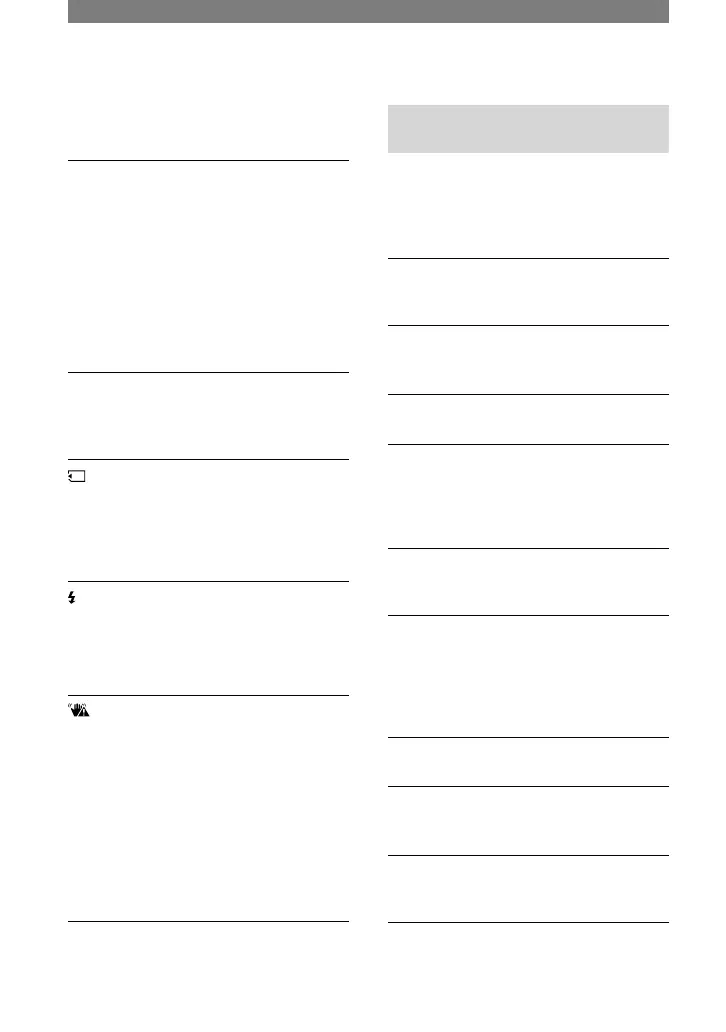
Fast flashing:
• The tape has run out.*
(Eject cassette warning)*
Slow flashing:
• The write-protect tab on the cassette is
set to lock (p. 103).
Fast flashing:
• Moisture condensation has occurred (p.
111).
• The self-diagnosis display code is
displayed (p. 97).
(Warning indicator pertaining to
image deletion)*
• The image is protected (p. 73).
(Warning indicator pertaining
to the write-protect of the “Memory
Stick Duo”)*
• The write-protect tab on the “Memory
Stick Duo” is set to lock (p. 106).
(Warning indicator pertaining to
the flash)
Slow flashing:
• Still charging
(Warning indicator pertaining to
camera-shake warning)
• The amount of lights is not sufficient,
so camera-shake easily occurs. Use
the flash.
• The camcorder is unsteady, so
camera-shake easily occurs. Hold the
camcorder steady with both hands and
shoot the image. However, note that
the camera-shake warning indicator
does not disappear.
* You hear a melody when the warning indicators
appear on the screen ([BEEP], p. 65).
Description of warning
messages
If messages appear on the screen, follow
the instructions.
Battery
Use the “ InfoLITHIUM” battery pack
(p. 108).
Battery level is low.
• Change the battery (p. 10, 108).
Old battery. Use a new one (p. 108).
Re-attach the power source (p. 10).
Moisture condensation
Moisture condensation. Eject the
cassette (p. 111).
Moisture condensation. Turn off
for 1H (p. 111).
Cassette/Tape
Insert a cassette (p. 17).
Reinsert the cassette.
• Check if the cassette is damaged.
The tape is locked - check the
tab (p. 103).
The tape has reached the end.
• Rewind or change the tape.
Warning indicators and messages (Continued)



 To Next Page