EasyManua.ls Logo

Sony IT-ID80 - Telephone Features; Memory Dialing; Storing Phone Numbers

Sony IT-ID80
55 pages
Print Icon
To Next Page IconTo Next Page
To Previous Page IconTo Previous Page
Loading...
14"
Wares
Telephone
Features
Memory
dialing
You
can
dial
with
a
touch
of
a
few
keys
by
storing
a
phone
number
on
a
one-touch
dialing
button
or
a
dialing
key.
Storing
phone
numbers
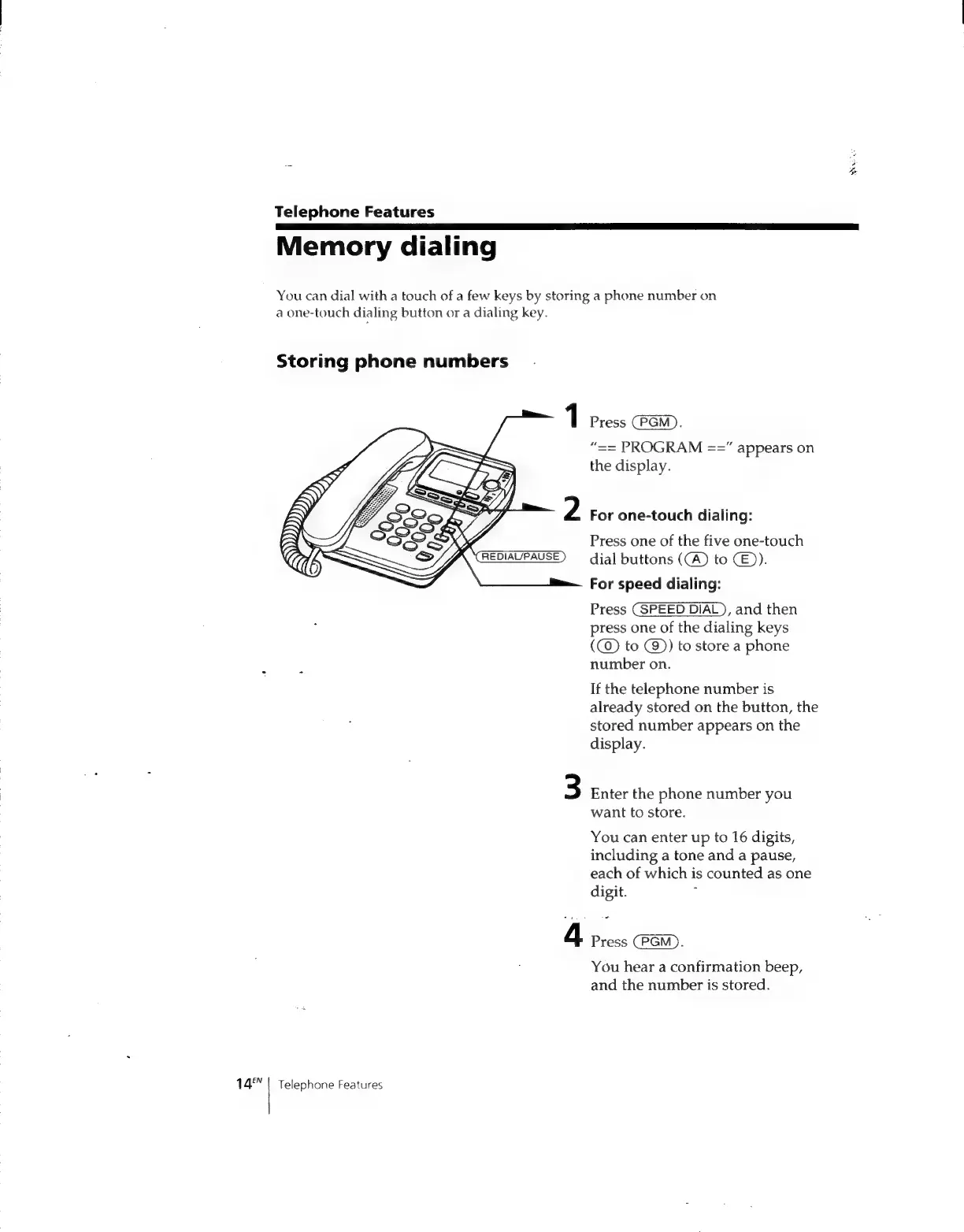
1
Press
:
“==
PROGRAM
==”
appears
on
the
display.
For
one-touch
dialing:
Press
one
of
the
five
one-touch
dial
buttons
(CA)
to
CE)).
For
speed
dialing:
Press
(SPEED
DIAL),
and
then
press
one
of
the
dialing
keys
(@)
to
(9)
to
store
a
phone
number
on.
If
the
telephone
number
is
already
stored
on
the
button,
the
stored
number
appears
on
the
display.
3
Enter
the
phone
number
you
want
to
store.
You
can
enter
up
to
16
digits,
including
a
tone
and
a
pause,
each
of
which
is
counted
as
one
digit.
:
4
Press
(PGM).
You
hear
a
confirmation
beep,
and
the
number
is
stored.
Telephone
Features

Related product manuals